Telenor SIM Information in Pakistan
Find Telenor SIM information in Pakistan, including number and ownership checks, SIM verification, replacement, USSD codes and official support.
Telenor is one of the major mobile network operators in Pakistan, offering prepaid and postpaid SIM connections along with voice, SMS, mobile internet, and other telecom services.
If you use a Telenor SIM, there are several different things you may want to check from time to time. You may want to find your own Telenor number, verify who a SIM is registered to, check whether a SIM is properly associated with your identity, manage SIM services, replace a damaged or lost SIM, or contact Telenor when you need help.
These services are different from a general CNIC SIM check. A CNIC check tells you how many SIMs are associated with your identity across operators, while Telenor's own customer services are intended for managing and checking a particular Telenor connection.
30 sec readQuick answer
Telenor SIM Services at a Glance
Depending on what you need to find out, Telenor provides different channels and self-service options.
You may need a different method for:
- finding your Telenor mobile number
- checking SIM ownership information
- checking the number of SIMs registered against your CNIC
- checking or managing your Telenor SIM
- checking SIM-related services
- replacing a lost or damaged SIM
- upgrading or replacing a SIM
- getting help with a Telenor connection
- visiting a Telenor franchise or service location
Choosing the correct service is important because a Telenor-specific service and a PTA-wide SIM information service do not provide the same information.
How to Check Your Telenor SIM Number
If you have a Telenor SIM in your phone but do not remember its mobile number, Telenor provides self-service options that can help you manage information about your connection.
Telenor's published self-service information lists *710# as a self-service menu that includes options related to the user's own number status, SIM blocking and unblocking, PUK/PIN, offers, package information, usage information, and other account services.
This type of service is useful when you have access to the Telenor SIM itself but do not remember the number.
You can also use Telenor's customer-service channels if the self-service menu does not work or you need assistance with the connection.
How to Check Telenor SIM Ownership
SIM ownership is different from simply knowing the mobile number.
In Pakistan, a SIM is associated with subscriber identification information. If you need to check ownership information for a SIM that you are using, the standard MNP ownership-check procedure can be used.
Telenor's published self-service information states that customers can send MNP to 667 to check SIM ownership details. The published information lists a charge for this SMS service.
The response can contain information associated with the SIM, such as:
- registered owner's name
- CNIC information
- activation date
- connection type
- mobile number
- network-related information
The exact information returned is controlled by the relevant telecom system and should not be confused with an unrestricted public database.
For a broader explanation of legitimate ownership checks, see SIM information and SIM verification.
Telenor SIM Ownership Is Not the Same as CNIC SIM Count
These two checks are often confused.
A PTA SIM count check is designed to tell you how many SIMs are registered against your identity and how those connections are distributed among operators.
A SIM ownership check is related to a particular mobile connection.
For example, if you want to know: "How many SIMs are registered on my CNIC?" you should use the official SIM Information System or the appropriate PTA service.
If you want to investigate: "Who is this particular SIM registered to?" you need the appropriate subscriber or operator procedure.
Keeping these two purposes separate makes it easier to choose the correct service.
Check All SIMs Registered on Your CNIC
If your goal is to check all mobile connections registered against your identity, do not use a Telenor-only service.
The official PTA SIM Information System provides a network-wise count of SIMs associated with a CNIC. The result can show separate totals for operators such as Telenor, Jazz, Zong, Ufone and other categories provided by the system.
This is particularly useful if you are trying to determine whether an unexpected Telenor connection exists under your identity.
The result is a count rather than a public directory of every mobile number.
To perform this check, use the CNIC SIM check page or the guide on how to check SIMs registered on a CNIC.
What to Do If an Unexpected Telenor SIM Appears on Your CNIC
If a CNIC SIM check shows that you have more Telenor connections than expected, first consider whether the additional connection could be an old SIM that you previously purchased or a connection you registered for someone else.
If you still cannot identify it, contact Telenor through an official customer-service channel or visit a Telenor franchise.
Keep the following information available when contacting the operator:
- your CNIC
- the Telenor SIM or number, if known
- the result of your CNIC SIM check
- any relevant previous SIM or account information
Ask the operator what procedure is available to investigate a connection that you do not recognize.
If the issue cannot be resolved through the operator, you can use the appropriate PTA complaint channel or see how to report a fraudulent SIM.
Telenor Customer Helpline
Telenor's published self-service information lists 345 as the individual customer helpline for prepaid and postpaid customers. The same material indicates that the helpline also handles complaints relating to services and certain other customer issues.
If you are calling about a SIM-related problem, explain the specific issue clearly. For example:
- lost SIM
- damaged SIM
- ownership problem
- blocked SIM
- replacement request
- network or service problem
- unexpected account activity
For sensitive account-related requests, Telenor may require verification before making changes.
Telenor Self-Service Codes
Telenor provides USSD-based self-service options for customers.
Its published self-service information lists:
Codes and charges can change
Telenor's published material specifically lists *345# for a range of self-service functions, including SIM/4G-related checks, package information, usage information and other services.
How to Check Telenor SIM Number or CLI
Telenor's published self-service information lists 7421 for checking the SIM number/CLI.
This is different from a CNIC-based SIM count.
A CNIC check answers: How many SIMs are associated with my identity?
A SIM-number check answers: What number is associated with the Telenor SIM I am currently using?
Use the service that matches the information you actually need instead of relying on third-party websites.
Telenor SIM Replacement
A Telenor SIM may need to be replaced if it is:
- physically damaged
- lost
- stolen
- no longer functioning correctly
- being replaced as part of a SIM upgrade
Telenor's published SIM-purchase information directs customers to Telenor franchises or retailers for SIM purchase, replacement, 4G upgrades, and mobile number portability services. It also identifies Telenor self-service facilities and the MyTelenor app as available channels.
A replacement request may require identity verification because the SIM is associated with subscriber information.
If the SIM has been lost or stolen, contact Telenor as soon as possible rather than waiting until you need the number again.
For more detail on replacement procedures, see how to replace a damaged SIM.
Lost or Stolen Telenor SIM
A lost SIM should be treated as a security issue because someone who obtains the physical SIM may potentially receive calls, SMS messages, or verification codes sent to that number.
If your Telenor SIM is lost or stolen:
- Contact Telenor through an official support channel.
- Request that the lost connection be blocked or handled according to the operator's current procedure.
- Ask about SIM replacement if you want to retain the mobile number.
- Check important accounts that use the number for login or verification.
- Do not share OTPs or verification codes with anyone claiming to be a Telenor representative.
If the number is connected to banking, email, social media, or other important accounts, changing the recovery or verification settings may also be appropriate.
For a step-by-step guide, see how to block a lost SIM.
Telenor SIM Registration and Verification
A mobile SIM in Pakistan is not simply an anonymous prepaid card. Subscriber registration and identity verification are part of the telecom registration process.
If you purchase or replace a Telenor SIM, use an authorized Telenor channel and follow the identity-verification process requested by the operator.
Telenor's SIM information specifically directs customers to official franchises, retailers, self-service facilities, and its online/app channels for SIM purchase and replacement services.
Use authorized channels only
For the full registration process, see SIM registration.
Telenor SIM and Mobile Number Portability
A mobile number can be associated with a network even when the number originally belonged to another operator because of Mobile Number Portability.
This is why checking the current network of a mobile number is different from asking which network originally issued the SIM.
Telenor's published self-service information includes a service for checking number portability status and also identifies the MNP ownership-check process.
If you are investigating a number that has been ported between networks, use a current network-checking service rather than assuming that its prefix always identifies its current operator.
For background on portability in Pakistan, see mobile number portability in Pakistan.
MyTelenor App
Telenor also provides the MyTelenor app as a customer-service channel.
The app can be useful for managing your Telenor connection and accessing account and service information without relying entirely on USSD codes.
Telenor's published SIM material lists the MyTelenor app among its customer channels for SIM-related services.
When installing an app for account management, use the official application distributed through the appropriate app store rather than an APK or download supplied by an unknown website.
Telenor Franchise and Service Locations
Some SIM-related requests require physical verification.
A Telenor franchise or authorized service location may be appropriate for:
- purchasing a SIM
- replacing a SIM
- upgrading a SIM
- resolving certain ownership issues
- completing required identity verification
- obtaining help with a difficult account problem
Telenor's published SIM-purchase information directs customers to its store locator for finding a nearby franchise or retailer.
Take your original identity document when visiting a service location if identity verification is required.
Telenor SIM Security
Your mobile number can be connected to important online accounts, so protecting the SIM itself is important.
Avoid:
- sharing OTPs with other people
- giving your SIM to strangers
- providing CNIC information to unofficial SIM sellers
- sending biometric information to unknown contacts
- installing unofficial apps that claim to reveal SIM-owner databases
- trusting websites that promise private subscriber information from only a mobile number
If someone contacts you claiming to be from Telenor and asks for an OTP, PIN, password, or other sensitive information, do not provide it simply because the caller knows your name or mobile number.
For more protection guidance, see how to protect your CNIC from SIM fraud and SIM card security tips.
Difference Between Telenor SIM Information and SIM Owner Lookup Websites
Searches for "Telenor SIM owner details" may lead users to websites or social-media pages claiming to provide private subscriber information.
These services should not be confused with Telenor's official customer services.
A legitimate telecom service is designed to authenticate the customer and provide information or account actions that the customer is authorized to access.
A website claiming to reveal a person's complete name, CNIC, address, family information, or all SIM numbers from a phone number is a very different proposition and should be treated with caution.
Do not upload your CNIC or other sensitive information to an unknown website simply because it claims to provide Telenor SIM details.
Checking the IMEI of a Phone Using a Telenor SIM
IMEI checking concerns the mobile device rather than the ownership of a Telenor SIM.
To display the IMEI of a phone, you can normally dial:
*#06#
A dual-SIM phone may display more than one IMEI.
If you need to check the regulatory status of a mobile device in Pakistan, use the appropriate PTA DIRBS service rather than confusing IMEI information with SIM registration information.
The IMEI identifies the device, while the SIM identifies the mobile subscription.
Telenor SIM Information vs IMEI Information
These are two separate records.
For example, replacing a SIM does not necessarily mean that the phone itself has changed, and changing phones does not automatically mean that the mobile number has changed.
Understanding this difference prevents many common SIM-information mistakes.
What Information Should You Keep Private?
Your CNIC, SIM information, OTPs, biometric information, and account credentials should be treated as sensitive information.
You should only provide them when necessary and through a trusted official channel.
In particular, never publish your complete CNIC or mobile number publicly while asking strangers to "check the owner" for you.
If you need help with a Telenor connection, use the operator's official customer-service channels or visit an authorized service location.
When to Contact Telenor
You should contact Telenor directly when you need help with a specific Telenor connection, especially for:
- SIM replacement
- lost or stolen SIM
- blocked SIM
- ownership-related problems
- service complaints
- account or package issues
- number-related problems
- SIM activation or replacement
- questions that cannot be answered through self-service
For general information about how many SIMs are registered against your CNIC across all networks, use the appropriate PTA SIM Information System instead.
Frequently Asked Questions
Telenor SIM information FAQ
Related articles

How to Check SIMs Registered on Your CNIC in Pakistan
Check SIMs registered on your CNIC in Pakistan using the official SIM Information System and SMS 668. Find your network-wise SIM count safely.
PTA SIM Information in Pakistan — Official Channels & Services
Find official PTA SIM information services in Pakistan, including CNIC SIM checks, SMS 668, PTA complaints, helplines and SIM verification guidance.
How to Check SIMs Registered on Your CNIC in Pakistan
Learn how to check SIMs registered on your CNIC in Pakistan using cnic.sims.pk and SMS 668, understand network counts and identify unknown SIMs.
How to Block a Lost or Stolen SIM in Pakistan
Learn how to block a lost or stolen SIM in Pakistan using operator helplines and official channels, then secure your number, accounts and device.
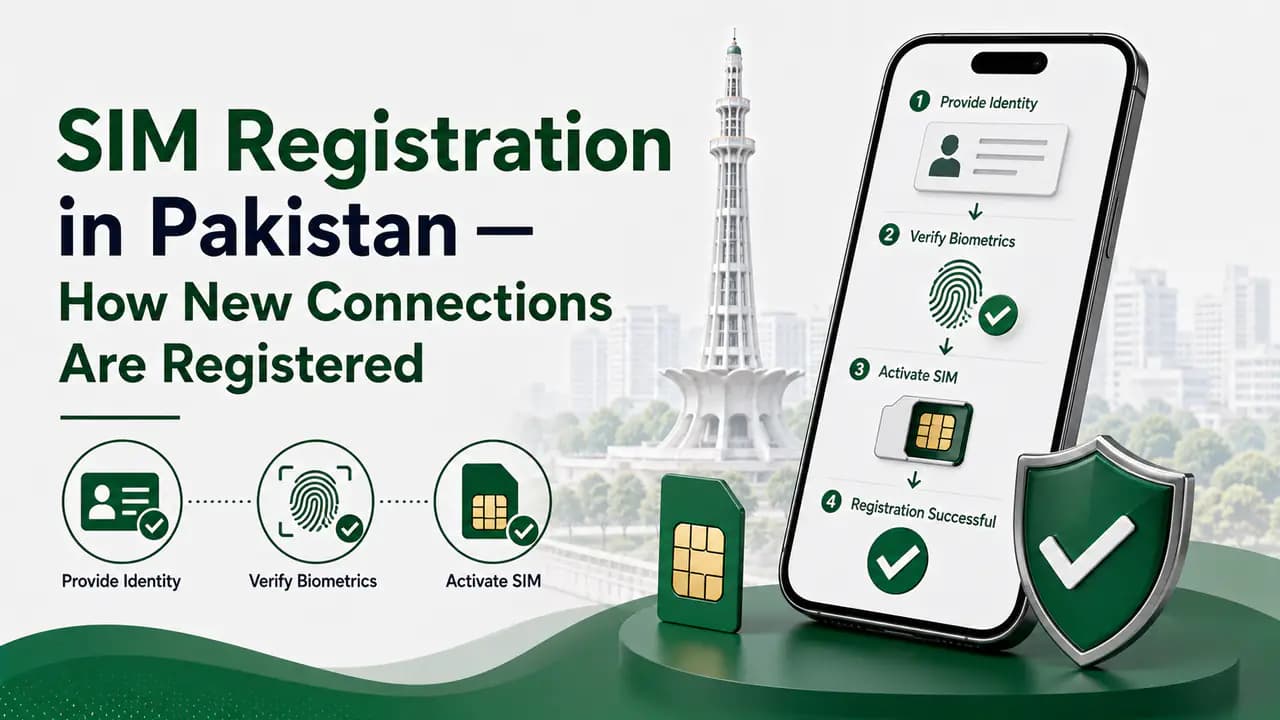
SIM Registration in Pakistan — How New Connections Are Registered
Learn SIM registration in Pakistan, including CNIC requirements, biometric verification, authorized franchises, SIM limits and registration problems.
About the author
Bottom Line
Telenor SIM information can involve several different services, and the correct method depends on what you are trying to check.
For your own Telenor connection, operator self-service options can help with number, SIM, package, and account-related information. Telenor's published resources also provide customer support through 345, SIM ownership checking through the MNP to 667 procedure, and SIM-related services through official franchises and the MyTelenor app.
If your goal is to find every SIM registered against your CNIC across Pakistan, use the PTA SIM Information System instead of a Telenor-specific service.
Most importantly, use official operator and regulatory channels for SIM-related requests and avoid websites or individuals offering private subscriber databases or asking for sensitive identity information.