Getting a new SIM in Pakistan is more than buying a plastic card. Every mobile connection must be linked to a verified subscriber identity through the required registration and verification process. That record helps operators and regulators know who is responsible for a line — and helps protect you from connections issued or used without your knowledge.
Whether you are getting a new SIM, replacing an existing connection, or transferring a line to another person, understanding how registration works — and why it should always happen through an authorized channel — saves you from problems that are much harder to fix later.
SIM registration links a mobile number to a verified subscriber identity through an authorized operator channel.
30 sec read
Quick answer
To register a new SIM in Pakistan, visit an authorized operator franchise with your CNIC, complete biometric verification in person, and receive a line registered in your own name. Never buy pre-registered SIMs or skip verification through informal sellers. After registration, check the SIM Information System to confirm the new line appears on your CNIC count.
What Is SIM Registration?
SIM registration is the process of recording a mobile connection against the identity of the person who will use and be responsible for that connection. During registration, the cellular operator collects the subscriber information required for identification and completes the applicable verification steps.
For a normal mobile connection, the registration record ties the mobile number to the subscriber's identity and the relevant cellular operator. This is different from simply activating a SIM: activation makes the connection usable on the network, while registration establishes the subscriber information associated with that line.
Why Is SIM Registration Required?
SIM registration creates an identity record for mobile connections. That matters because mobile numbers back onto calls, SMS, mobile apps, banking services, account recovery, and other online services.
Proper registration helps:
identify the subscriber associated with a connection
reduce the risk of anonymous or illegally issued SIMs
protect people from unauthorized connections issued in their name
maintain accurate subscriber records
provide a process for resolving ownership and registration problems
PTA cybersecurity guidance specifically warns about illegal SIM issuance and advises consumers to obtain SIMs through cellular franchises and periodically check the SIMs issued in their name.
What Do You Need to Register a SIM?
Exact requirements can vary by subscriber type and service, but a normal SIM registration generally requires:
an accepted identity document
the subscriber's identity information
the subscriber's presence for the required verification
biometric verification where applicable
registration through an authorized cellular operator channel
For Pakistani citizens, the CNIC is normally the primary identity document used for mobile subscriber registration. Foreign nationals and other eligible subscribers may have different documentation requirements and should follow the current requirements provided by the cellular operator.
How to Register a New SIM
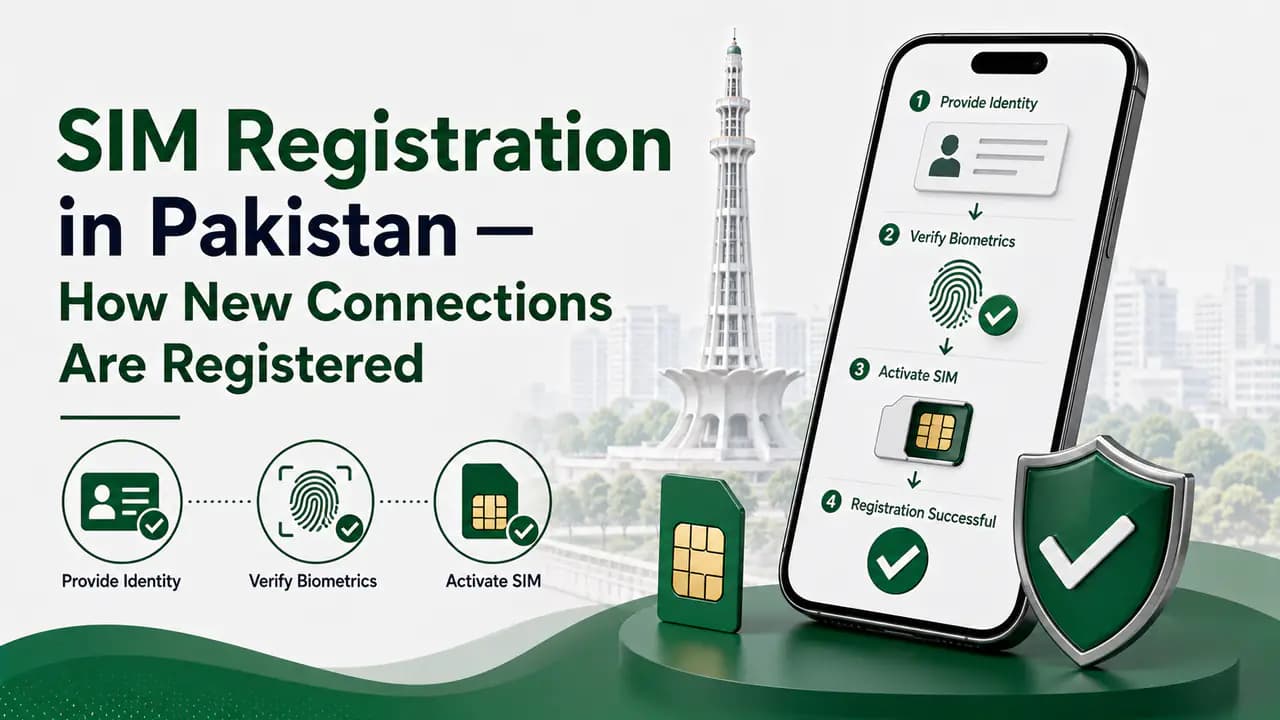
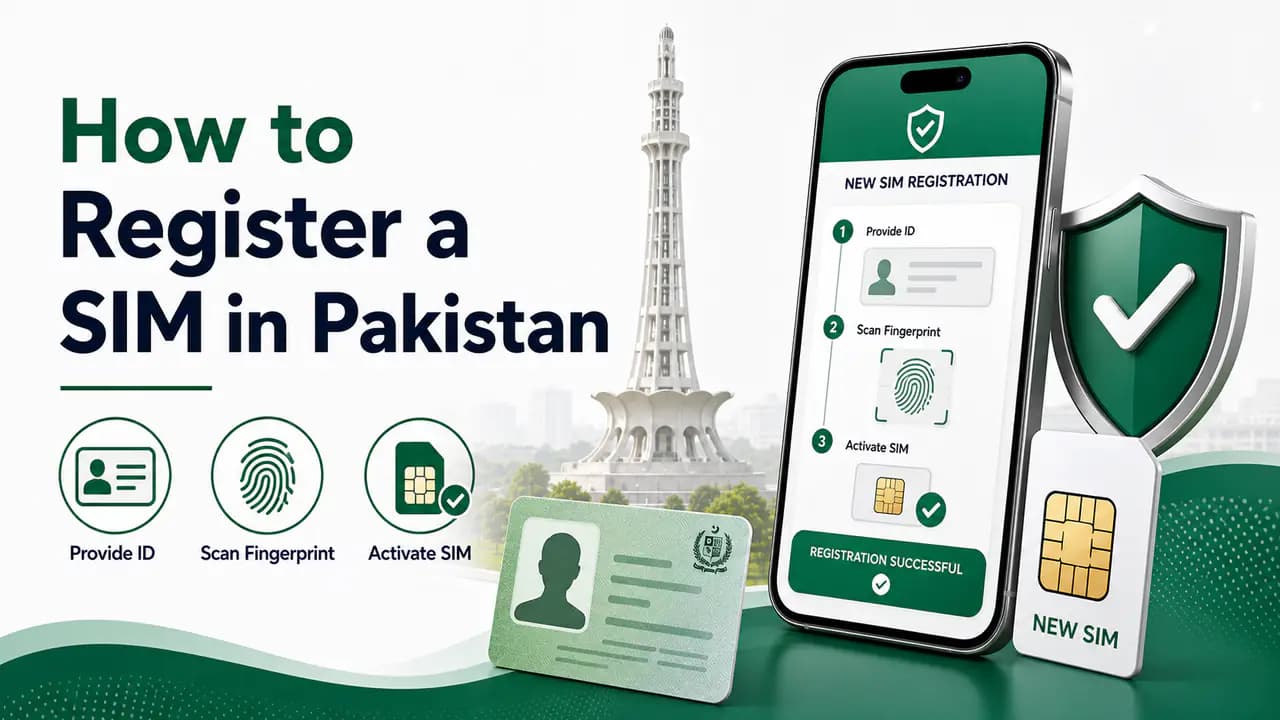
The general process for obtaining a new registered SIM is straightforward. Follow these five steps at an authorized operator channel:
Standard SIM registration process
1
Choose your mobile network
Pick Jazz, Zong, Ufone, or Telenor based on coverage, packages, pricing, data services, and availability in your area.
2
Visit an authorized channel
Get the SIM from an official franchise, customer service center, or another registration point approved by the operator. Avoid purchasing an already-activated SIM from an unknown person or unofficial seller.
3
Provide your identity information
The operator will request the identity information required for registration. For a Pakistani citizen, this normally involves the relevant CNIC information. Make sure the details belong to the person who will actually be registered as the subscriber.
4
Complete biometric verification
The required biometric verification is completed during registration. This step authenticates the subscriber rather than relying only on a physical copy of an identity document. Do not allow an unknown person to use your biometric information for an unexplained SIM registration.
5
Complete the registration
Once verification succeeds, the operator proceeds with SIM registration and activation. The mobile connection is then associated with the subscriber's registration record. Keep the SIM and registration information secure after receiving the connection.
You should personally complete the required registration process instead of allowing another person to register a SIM using your identity. Your identity information and biometric verification are central to establishing ownership of a mobile connection.
If someone asks to use your CNIC or biometric information to register a SIM for another person, make sure you understand exactly why the registration is being performed and who will be the actual subscriber. Do not provide biometric information to an unknown person simply because they claim it is necessary for a SIM-related service.
Where Should You Buy a SIM?
The safest approach is to obtain a SIM through an authorized cellular operator channel. Depending on the network, this may include:
official cellular franchises
customer service centers
authorized retailers
officially approved registration locations
PTA cybersecurity guidance specifically recommends purchasing SIMs from cellular franchises rather than informal kiosks or unauthorized channels. An official registration channel also gives you a clearer way to resolve problems if registration fails or the information associated with the connection is incorrect.
Can You Buy an Already Registered SIM?
You should not treat an already-registered SIM as if it were automatically registered to you. If a SIM is registered under another person's identity, simply possessing or using the physical card does not necessarily make you the registered subscriber.
If you need a connection in your own name, follow the appropriate registration or ownership-transfer process through the cellular operator. The registration record may remain associated with the original subscriber until the proper process is completed.
Can a SIM Be Registered Without Biometric Verification?
Do not bypass verification
Do not rely on anyone offering to skip the normal subscriber verification process. PTA guidance identifies the sale or issuance of SIMs without the prescribed verification and authentication of subscriber credentials as illegal.
If a seller says a SIM can be registered without completing the required verification, use an authorized operator channel instead. A shortcut during registration can create much bigger problems later if the connection is associated with incorrect or unauthorized subscriber information.
How Many SIMs Can One Person Register?
The number of SIMs that can be associated with one identity is subject to the rules and limits applicable at the time. The limit should not be treated as a permanent figure because regulatory requirements and SIM categories can change.
If you want to know how many connections are already associated with your CNIC, use the official SIM Information System rather than relying on an old number quoted on an unofficial website. The current system provides a network-wise count of registered SIMs and also provides a Foreign ID option for eligible foreign nationals. Start with the CNIC SIM check page for an overview of the checking methods.
How to Check Your Registered SIMs After Registration
After registering one or more SIMs, it is a good idea to periodically check the connections associated with your identity. The official SIM Information System allows users to check the total number of SIMs registered against their CNIC and displays the result by network. PTA cybersecurity guidance also recommends periodically checking the number of SIMs issued in your name.
This is useful because you may have forgotten about an old connection or discover a registration that you do not recognize. The detailed checking methods belong on dedicated pages rather than being repeated here.
SIM registration is not limited to Pakistani CNIC holders. Foreign nationals in Pakistan may use the identification documents and registration process applicable to their status. The official SIM Information System currently provides a separate Foreign ID option for checking SIMs associated with a foreign identity.
Foreign nationals should follow the current documentation and verification requirements provided by the cellular operator rather than assuming that the Pakistani CNIC procedure applies to them.
What If Biometric Verification Fails?
Sometimes the required verification may not be completed successfully. If this happens, follow these steps at an authorized operator channel:
When biometric verification fails
1
Check your identity details
Confirm that your identity information and document details are correct before trying again.
2
Ask the operator representative
Ask the authorized operator representative about the reason for the failed verification.
3
Follow the official procedure
Follow the operator's official procedure for resolving the problem.
4
Retry if advised
Try the verification again if the operator advises you to do so.
5
Escalate through official support
If the issue cannot be resolved, use the operator's official complaint or support channel.
Do not try to bypass the verification process through an unofficial SIM seller.
What If the SIM Is Registered With Incorrect Information?
If you believe that a SIM has been registered incorrectly, contact the relevant cellular operator through an official channel. Explain the problem and ask what procedure is required to correct the subscriber record.
If the operator does not resolve a legitimate registration problem, you can escalate the matter through the appropriate PTA complaint process. Keep any relevant documents, receipts, messages, or registration information that may help establish what happened.
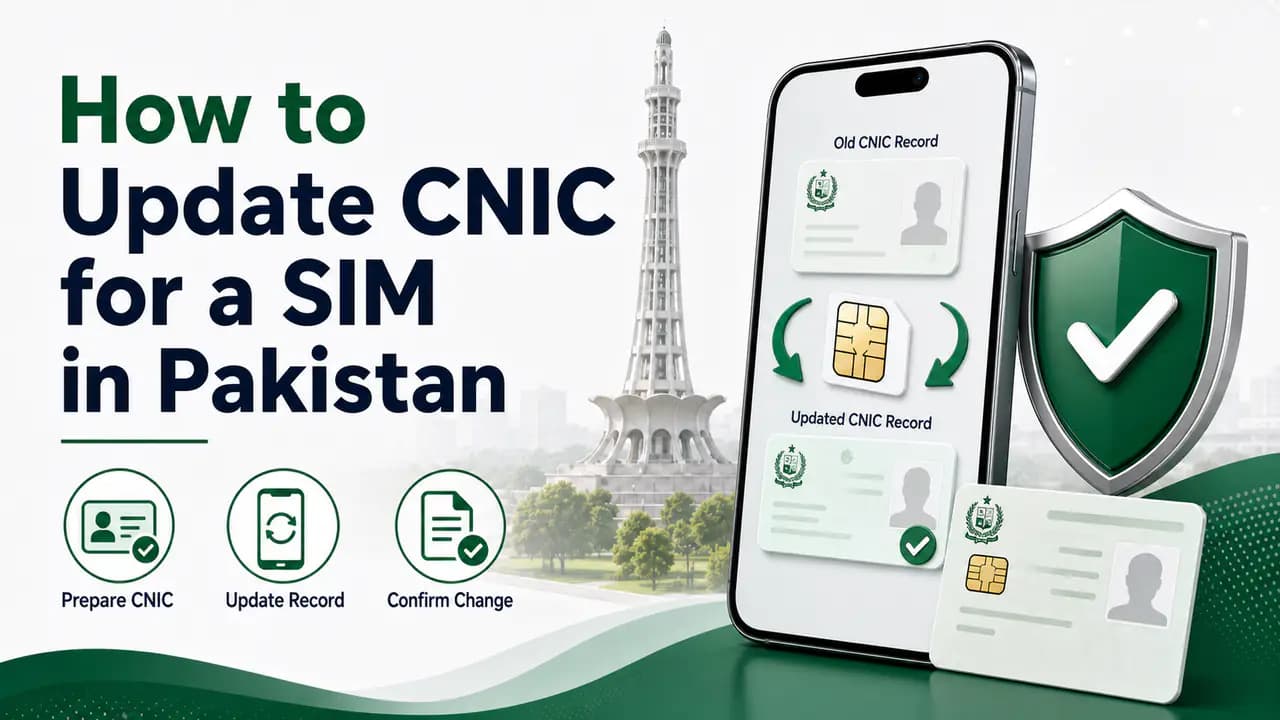
If your CNIC details have changed and need to be updated on an existing connection, see how to update CNIC for a SIM.
What If You Find an Unknown SIM Registered to You?
An unexpected SIM registration does not automatically prove that someone has committed fraud. First consider whether it could be:
an old SIM you forgot about
a connection you previously used
a SIM obtained for a family member
a replacement or changed connection
another connection you legitimately registered in the past
If you still cannot identify it, contact the relevant mobile operator and ask about the appropriate procedure. If the operator confirms that the connection should not be associated with you, follow the operator's process for blocking, closing, or correcting the registration. For regulatory complaints that cannot be resolved through the operator, use the official PTA complaint process.
SIM Registration and SIM Ownership Transfer
Registering a new SIM and transferring an existing SIM are different processes. When a new SIM is issued, it is registered as a new connection for the subscriber. When an existing connection needs to move from one subscriber to another, the appropriate ownership-transfer process should be followed.
Do not simply give your registered SIM to another person and assume that the registration has changed. If the other person needs the connection in their own name, contact the relevant cellular operator and follow its official ownership-transfer procedure.
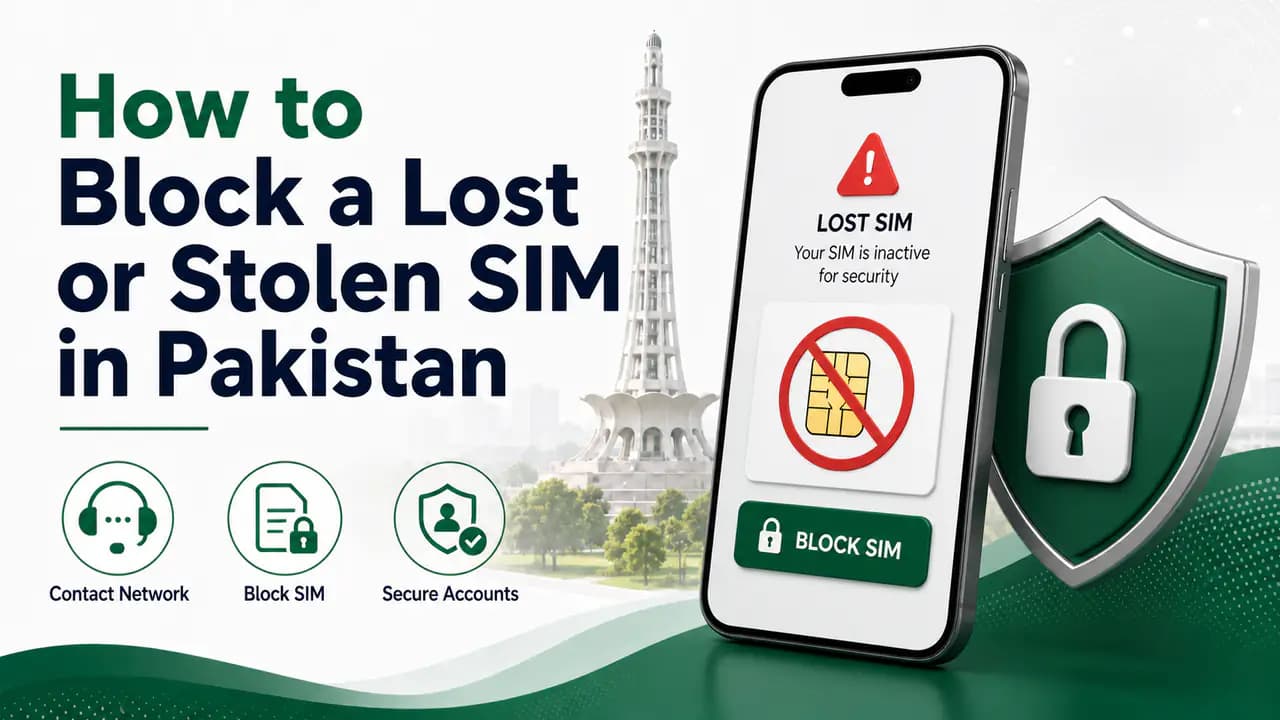
Losing the physical SIM does not mean that its registration automatically disappears. If a registered SIM is lost or stolen, contact the relevant cellular operator promptly and ask for the connection to be blocked.
If you need to continue using the number, ask the operator about its official SIM replacement procedure. The replacement should remain associated with the appropriate subscriber record after the required verification.
Both prepaid and postpaid mobile connections are subscriber-based services. The major difference between them is how the service is billed and used after registration.
Prepaid
With prepaid service, the customer normally purchases balance or packages before using the service.
Postpaid
With postpaid service, the customer receives service according to the operator's postpaid plan and is billed according to that plan.
The choice between prepaid and postpaid does not remove the need for the applicable subscriber registration and verification process.
How to Keep Your SIM Registration Secure
A few simple habits can reduce the risk of unauthorized SIM registration:
Obtain SIMs through authorized cellular operator channels.
Complete the registration process yourself.
Do not provide biometric information to unknown individuals.
Do not give your CNIC copy to an unrelated person without understanding why it is required.
Avoid SIMs sold as already registered to someone else.
Periodically check the SIMs associated with your identity.
Contact the operator quickly if you notice an unexpected connection.
Use official complaint channels when an operator cannot resolve a registration problem.
Your identity information should be treated as sensitive information, especially when it is combined with biometric verification.
SIM Registration vs SIM Verification
SIM registration and SIM verification are related but different. SIM registration is the process of associating a mobile connection with a subscriber's identity. SIM verification can refer to checking or confirming whether an existing connection has the required registration or verification status.
Because the two topics serve different search intents, the detailed verification procedures should be covered separately.
See the dedicated SIM verification page for verification-related questions.
SIM Registration vs Checking SIMs on a CNIC
These are also different tasks. When you register a SIM, you are establishing a subscriber record for a mobile connection. When you check SIMs on your CNIC, you are reviewing the number of connections already associated with your identity.
For example, someone may register a new Jazz SIM today and later use the SIM Information System to confirm that the connection is included in their registered SIM count. The checking process does not replace the registration process.
What Information Is Associated With SIM Registration?
A registered mobile connection has subscriber information associated with it. Depending on the relevant system and authorized access, the record can involve information such as:
subscriber identity
CNIC or applicable identity document
mobile number
cellular operator
connection status
registration information
activation information
Not all registration information is publicly available. A registered-SIM record should not be confused with a public database that allows anyone to search another person's private subscriber information.
For a broader overview of what SIM information means and what services can show, see SIM information.
Avoid Unofficial SIM Registration Services
Watch for registration scams
Be careful with websites, social-media accounts, agents, or individuals who claim they can register or activate SIMs without the normal verification process. Do not provide your biometric information, OTPs, CNIC photographs, or other sensitive information to an unknown person simply because they promise a faster registration.
A legitimate registration should follow the applicable operator and regulatory requirements. If you need a new connection, use the official registration channel of the cellular operator.
Frequently Asked Questions
SIM registration FAQ
Choose a cellular operator, visit an authorized registration channel, provide the required identity information, and complete the applicable biometric verification before the SIM is issued or activated.
The normal SIM registration process includes the required subscriber verification and biometric authentication. The exact requirements can depend on the subscriber and service.
A SIM should be registered to the actual subscriber through the required verification process. You should not register a connection under another person's identity simply so that someone else can use it.
Use an authorized cellular operator channel or an approved registration point. Avoid sellers offering already-registered SIMs or claiming they can bypass the normal verification process.
Eligible foreign nationals can obtain mobile connections using the identification documents and procedures applicable to their status. The exact requirements should be confirmed with the relevant cellular operator.
The official SIM Information System can be used to check the number of SIMs associated with your CNIC or eligible Foreign ID. PTA guidance also recommends periodically checking SIMs issued in your name.
Contact the relevant cellular operator through an official channel and ask how the registration can be investigated or corrected. If the issue cannot be resolved, use the appropriate PTA complaint channel.
You can physically give a SIM to another person, but that does not necessarily transfer the registration. If the connection needs to belong to another subscriber, follow the official ownership-transfer procedure.
Contact your mobile operator promptly and ask it to block the lost connection. If you need the number again, follow the operator's official replacement procedure.
Do not rely on anyone offering to bypass the required verification process. Obtain and register SIMs through an authorized cellular operator channel.
Learn SIM verification in Pakistan, including biometric BVS verification, CNIC SIM checks, operator verification and solutions for verification problems.
Prepared by PakSIM Editorial to explain SIM registration in Pakistan. Registration requirements and limits can change — confirm current operator procedures at an authorized franchise before completing biometric verification.
Bottom Line
SIM registration connects a mobile connection with its subscriber's identity and is an important part of Pakistan's telecommunications system. If you need a new SIM, obtain it through an authorized cellular operator channel and complete the required identity and biometric verification yourself.
Do not use unofficial sellers who offer already-registered SIMs or claim that they can bypass the normal verification process. After registration, periodically checking the SIMs associated with your identity can help you notice connections that you do not recognize.
For detailed procedures, keep each topic separate: use the CNIC SIM check page for registered-SIM counts, the SIM verification page for verification-related questions, and dedicated guides for ownership transfer, lost SIMs, and other specific tasks.