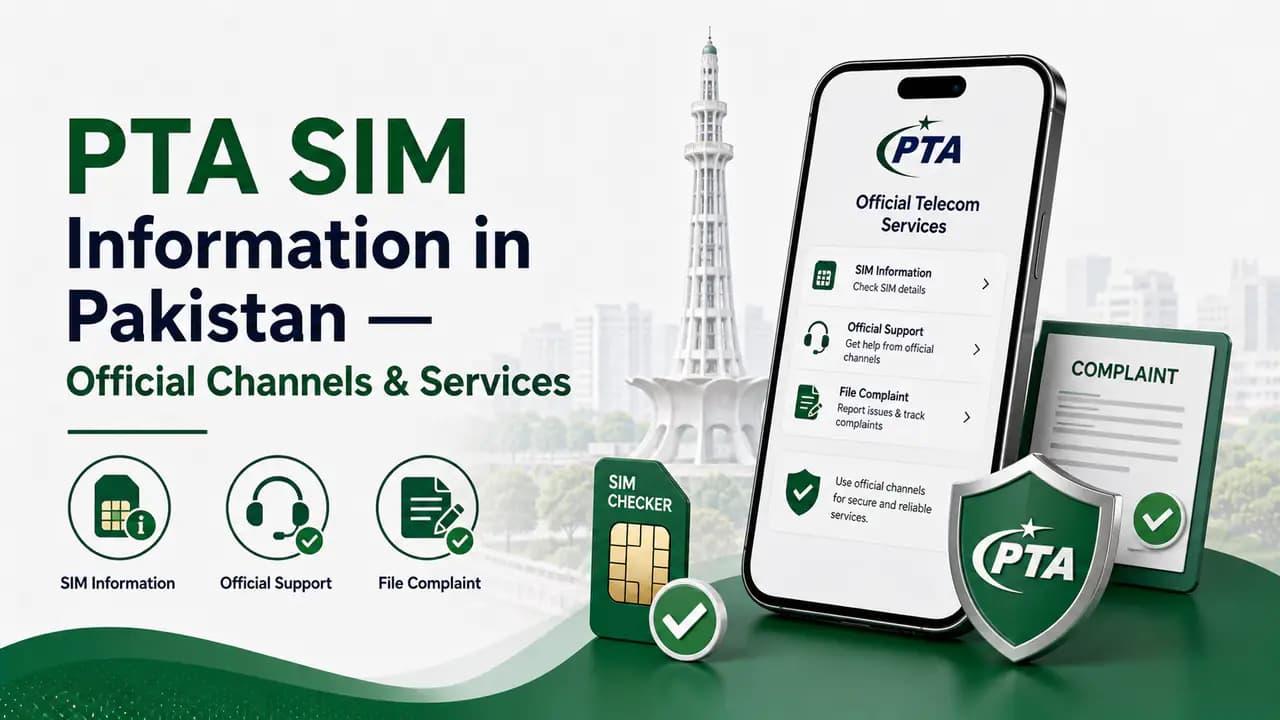
The Pakistan Telecommunication Authority (PTA) regulates telecommunications in Pakistan — mobile SIM registration, subscriber verification, network oversight, and certain consumer complaint services. When you need to check connections on your identity, verify a line, or escalate a telecom problem, using the right official channel matters. Picking the wrong one wastes time and can expose your personal data to unofficial sites or individuals.
A CNIC SIM check, SIM verification, mobile-number lookup, network check, and regulatory complaint are not the same service. Understanding which PTA or operator route fits your situation helps you get accurate information without handing identity details to the wrong place.
PTA provides regulatory services and consumer support — separate from day-to-day operator account help.
30 sec read
Quick answer
PTA regulates SIM registration and telecom complaints in Pakistan. Check how many SIMs are on your CNIC through the SIM Information System or SMS 668. For a specific line problem, contact your operator first. Escalate unresolved complaints through PTA (helpline 0800-55055 or the official online complaint portal). IMEI device checks use a separate system—SMS 8484—not the CNIC count service.
What PTA SIM Information Services Can Help With
Depending on your situation, official telecom services can help with several distinct tasks. The correct method depends on what you are actually trying to check or resolve.
Checking how many SIMs are registered against your CNIC
Reviewing SIM-related registration or verification information
Identifying the current network of a mobile number through the applicable service
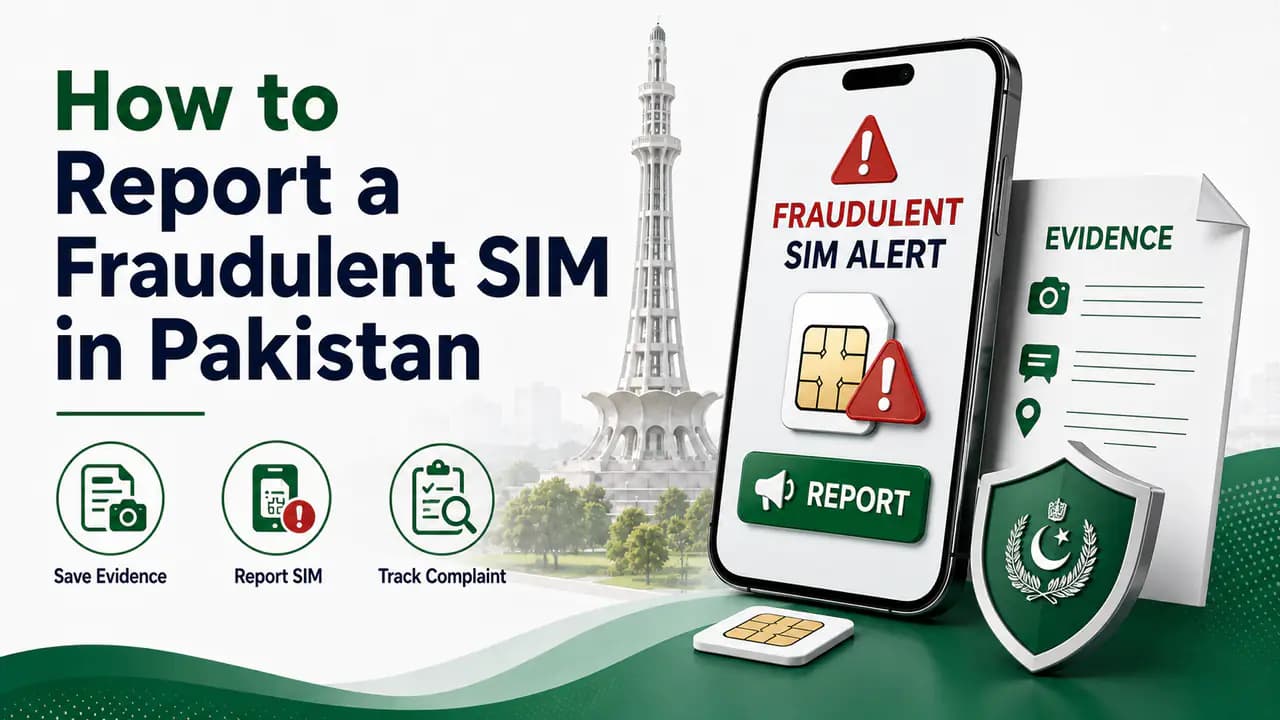
Reporting an unauthorized or problematic SIM
Submitting a telecom consumer complaint
Getting assistance with certain PTA-related services
Checking mobile device compliance status through the relevant IMEI system
Check SIMs Registered Against Your CNIC
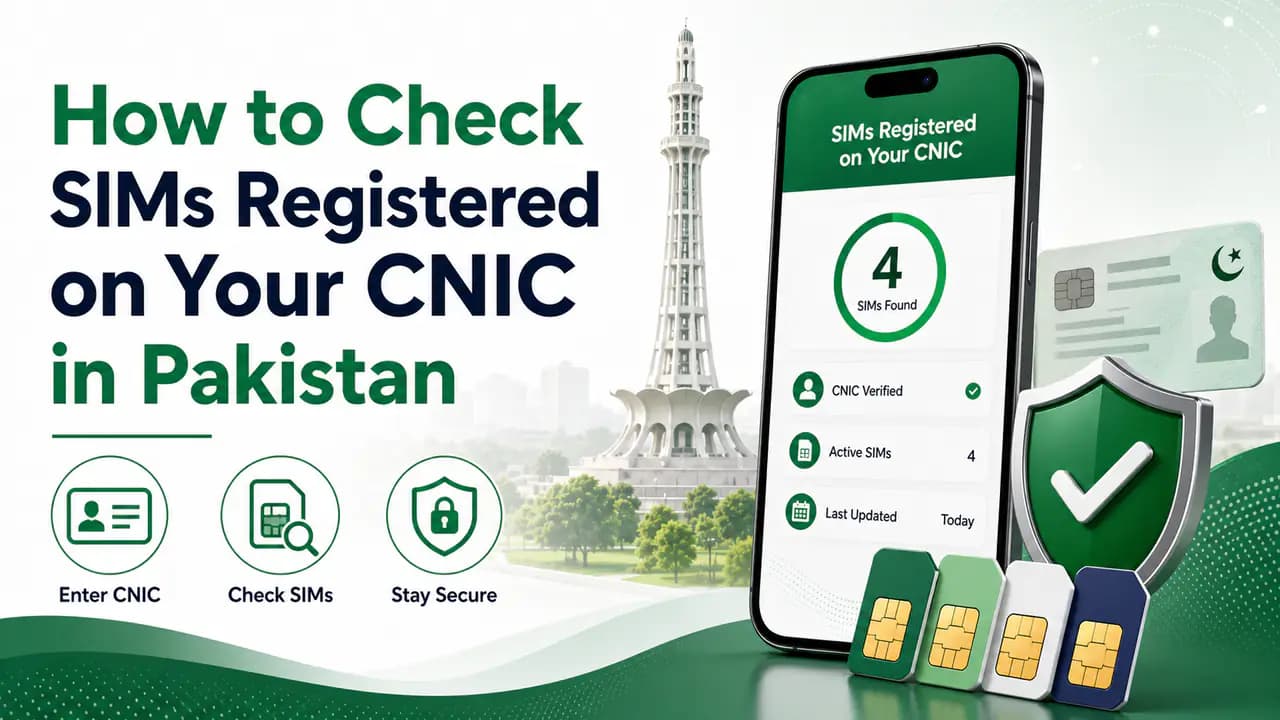
If your main question is "How many SIMs are registered on my CNIC?", the official SIM Information System is the appropriate service. The online portal shows the total number of connections linked to your identity and breaks that count down by network — Jazz, Zong, Telenor, Ufone, or other categories displayed by the system.
Eligible foreign nationals in Pakistan can use the Foreign ID option on the same portal. The CNIC SIM check is a count-based service. It should not be confused with a public database of subscriber names, addresses, or complete mobile-number records.
PTA also identifies SMS-based methods for checking SIMs issued in your name. The 668 service lets you check the number of SIMs associated with your CNIC. Standard SMS charges may apply, so confirm current applicable charges with your mobile operator before using it.
This route is especially useful when you prefer not to use the online SIM Information System — for example, when you are away from a computer and want a quick count on your phone.
For a detailed comparison of CNIC check methods, see CNIC SIM check.
What a CNIC SIM Check Does Not Show
A SIM-count check helps you monitor connections associated with your own identity. It does not let you enter another person's CNIC or phone number into an official PTA service and obtain their private subscriber information.
Not a subscriber directory
Be cautious of websites and individuals claiming to provide complete SIM-owner databases, private subscriber names and addresses, all phone numbers registered to another person, or private CNIC-to-mobile-number records. Such claims should not be treated as an official PTA service.
Your CNIC, biometric information, OTPs, and other identity data should only be provided through legitimate and appropriate channels.
What to Do About an Unknown SIM
If a CNIC check shows more SIMs than you expect, first consider whether the connection could be an old SIM or another line you previously registered. If you still do not recognise it, contact the relevant mobile operator through its official customer-service channel or visit an authorised franchise.
The operator can advise you about the procedure for investigating, blocking, or resolving the connection. If the matter cannot be resolved through the operator, you can use the appropriate PTA complaint channel.
Protect your identity
Do not give your CNIC photograph, biometric information, OTP, or other sensitive data to an unknown person who claims they can remove a SIM from your CNIC.
PTA provides consumer support channels for telecom-related issues. One commonly listed PTA contact number is:
PTA Helpline: 0800-55055
PTA also offers online complaint and support services through its official platforms. Because contact methods, portals, and procedures can change, verify the currently available option through PTA's official website before submitting sensitive information.
For a telecom complaint, it is generally useful to contact the relevant mobile operator first and keep any complaint or reference information you receive. If the issue remains unresolved, escalate through the appropriate regulatory complaint process.
PTA also provides WhatsApp-based support for certain PTA-related services. The commonly listed PTA WhatsApp support number is:
0315-0055055
This service operates as an automated support channel for available PTA services. It should not be assumed to provide every type of telecom or subscriber information. Always verify the current number and available services through an official PTA source before sharing personal information.
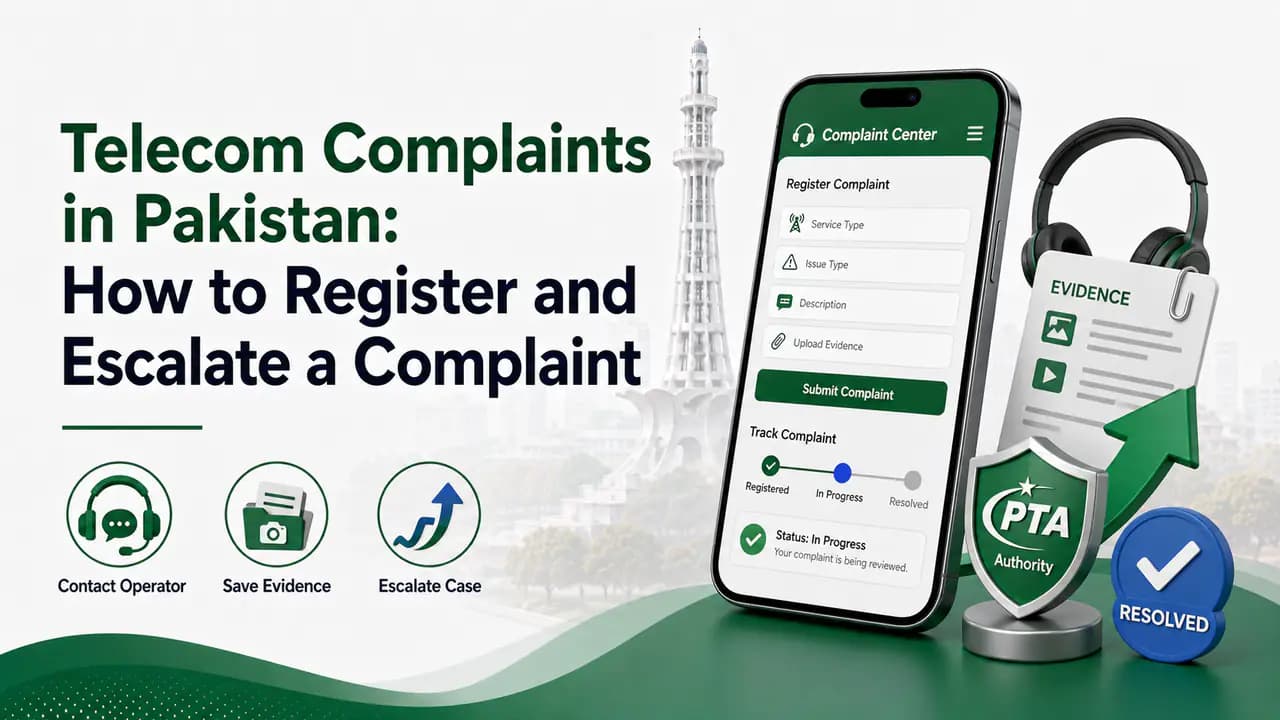
PTA Online Complaint Services
For telecom complaints, PTA provides online complaint facilities through its official consumer-support system. An online complaint can be useful when:
A telecom operator has not resolved your problem
You need to report a telecom-related issue
You need to escalate an unresolved consumer complaint
You need to communicate a problem to the regulator
When submitting a complaint, provide accurate information and keep your complaint or reference number for future communication. Do not submit unnecessary personal documents or sensitive information to unofficial complaint websites.
SIM Registration and Verification
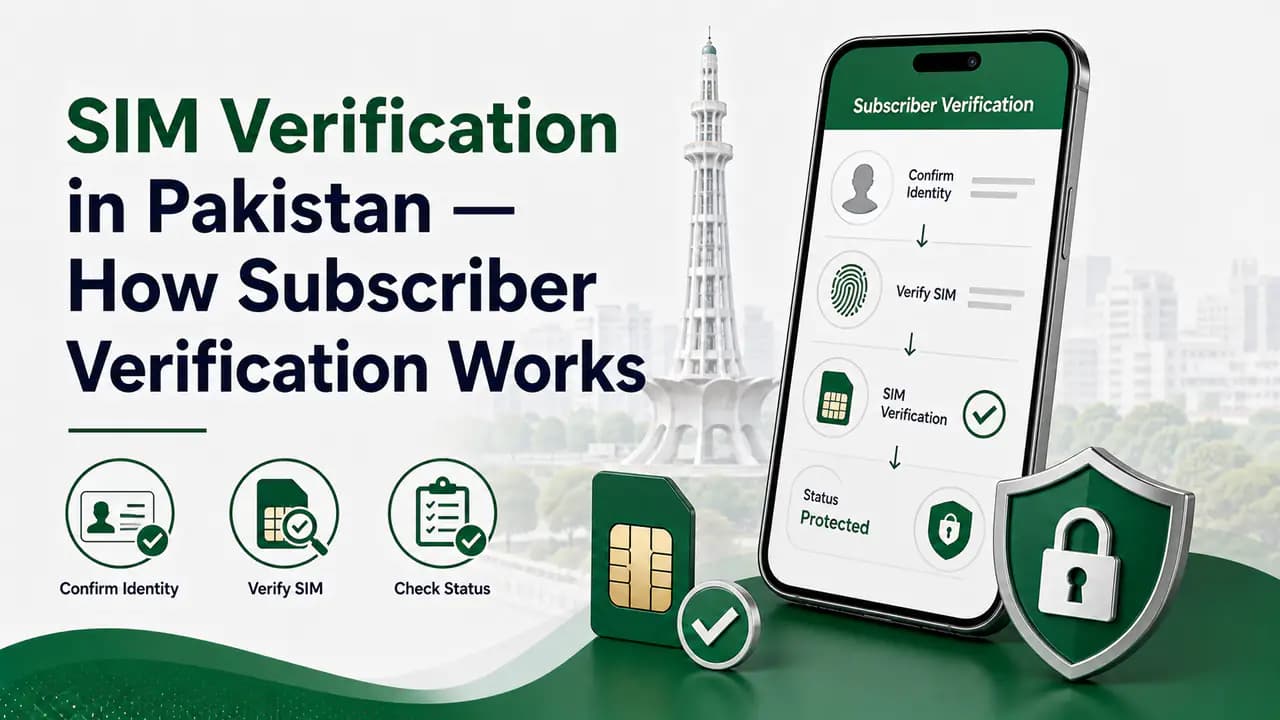
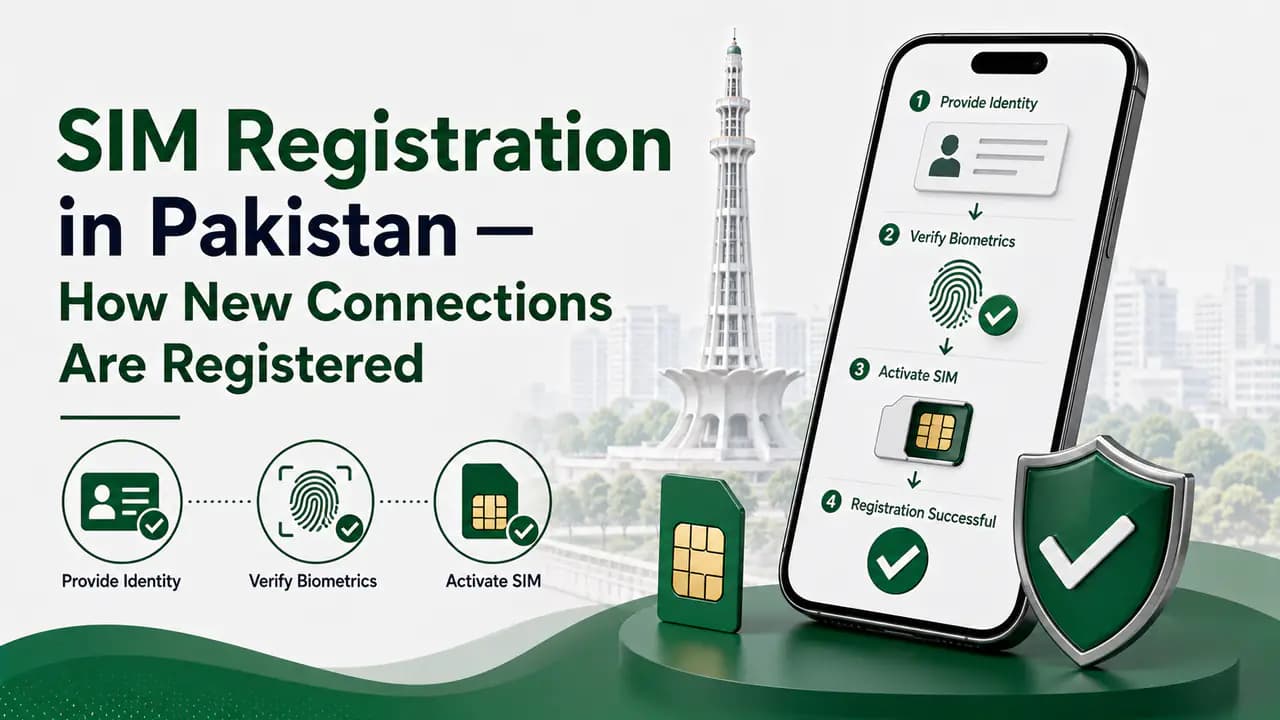
SIM registration in Pakistan involves subscriber identification and verification procedures. If you are registering a new SIM, replacing a SIM, transferring ownership, or dealing with a verification problem, the mobile operator is usually the appropriate first point of contact for the specific connection.
Different operators provide their own customer-service channels, applications, and authorised franchises for subscriber services.
Some SIM-related questions require information that is different from a CNIC SIM count. For example, you may want to know the current network of a mobile number rather than how many SIMs are registered on your CNIC.
These are separate services and should not be confused with the CNIC SIM Information System. If you are checking a particular number's current network, use the appropriate network-checking method rather than assuming that the SIM's original network and its current network are always the same.
Current Mobile Number and Operator Services
Mobile operators also provide their own USSD codes, applications, helplines, and franchises for subscriber services. Depending on the operator, these can help with:
Checking your own mobile number
Account information
SIM-related services
Packages and subscriptions
Customer complaints
SIM replacement
Ownership-related services
Because operator codes and services can change, confirm the current code or procedure with your network before relying on information found online.
PTA and IMEI Information
PTA also operates systems related to mobile-device identification and compliance. If you want to check the IMEI of a mobile phone, you can normally find the device's IMEI by dialling *#06#.
For devices with multiple SIM slots, more than one IMEI may be displayed. The PTA device-related verification system uses the IMEI to provide information about a device's status. The SMS-based method commonly associated with this service uses 8484.
IMEI vs SIM
IMEI checking is different from checking SIMs registered against a CNIC. An IMEI identifies a mobile device, while a SIM is a subscriber connection. An IMEI problem should be handled through the appropriate device or IMEI service rather than the CNIC SIM Information System.
PTA, Mobile Operators, and Other Government Services
Not every SIM-related problem should be directed to PTA immediately. A useful way to understand the different responsibilities is:
Routing by problem type
9 rows2 columns
Table
Problem
Appropriate first step
Check SIMs registered on your CNIC
PTA SIM Information System
Check SIM count through SMS
668 service
SIM registration problem
Relevant mobile operator
SIM replacement
Relevant mobile operator/franchise
Unknown SIM on your CNIC
Mobile operator, then PTA if unresolved
Telecom consumer complaint
Operator, then PTA complaint channel
Mobile-device/IMEI status
PTA device verification system
Identity-document problem
NADRA
Cybercrime or suspected digital fraud
Relevant law-enforcement/cybercrime authority
The correct authority can depend on the exact problem, so avoid sending the same complaint to unrelated services.
Protect Your Personal Information
SIM services involve sensitive identity information because mobile connections are associated with subscriber records. When checking or managing your SIMs:
Use official websites and applications
Avoid unofficial SIM-owner databases
Do not share OTPs with strangers
Do not send biometric information to unknown individuals
Do not upload your CNIC photograph to an untrusted website
Verify contact numbers before calling or messaging
Use authorised operator franchises for in-person SIM services
Official channels only
A website claiming to reveal complete private SIM-owner information is not automatically legitimate simply because it uses terms such as "PTA SIM information" or "SIM owner details."
PTA SIM information refers broadly to the official telecom services and regulatory information provided through PTA and related mobile-operator systems for managing and checking SIM connections in Pakistan.
Use the official SIM Information System to check the number of SIMs associated with your CNIC. The result provides a network-wise count. SMS 668 is an alternative method for checking SIMs issued in your name.
The official SIM Information System provides a Foreign ID option for eligible foreign nationals in Pakistan.
The 668 SMS service is used to check the number of SIMs issued in your name. Applicable SMS charges may apply.
Contact the relevant mobile operator through an official channel and ask about the procedure for investigating or removing the connection. If the issue is not resolved, use the appropriate PTA complaint channel.
The commonly listed PTA consumer helpline is 0800-55055. Contact information and available services can change, so verify current details through PTA's official channels.
PTA has provided WhatsApp-based automated support for certain services. The commonly listed number is 0315-0055055. Verify the current service and number through an official PTA source before using it.
The official SIM Information System is not a public directory for obtaining another person's private subscriber information. Avoid unofficial services claiming to provide private SIM-owner databases.
No. SIM information relates to a subscriber connection, while an IMEI identifies a mobile device. They are separate systems and should be checked through the appropriate service.
For a problem involving a specific SIM or mobile connection, the relevant mobile operator is generally the appropriate first contact. PTA can be used for regulatory assistance or escalation when appropriate.
Learn SIM verification in Pakistan, including biometric BVS verification, CNIC SIM checks, operator verification and solutions for verification problems.
Prepared by PakSIM Editorial from publicly described PTA services and consumer guidance. Helpline numbers, portals, and procedures can change — always confirm current details through PTA's official website before sharing personal information.
Bottom Line
PTA provides several services and support channels related to SIM registration, subscriber verification, telecom complaints, and mobile-device compliance. The most important point is to use the service that matches your actual need.
Use the SIM Information System or SMS 668 when you want to check how many SIMs are associated with your CNIC. Contact the relevant operator when you have a problem with a specific connection. Use PTA complaint channels when a telecom issue requires regulatory assistance. Always use official channels for sensitive identity and subscriber information, and avoid websites or individuals claiming to provide private SIM-owner databases.