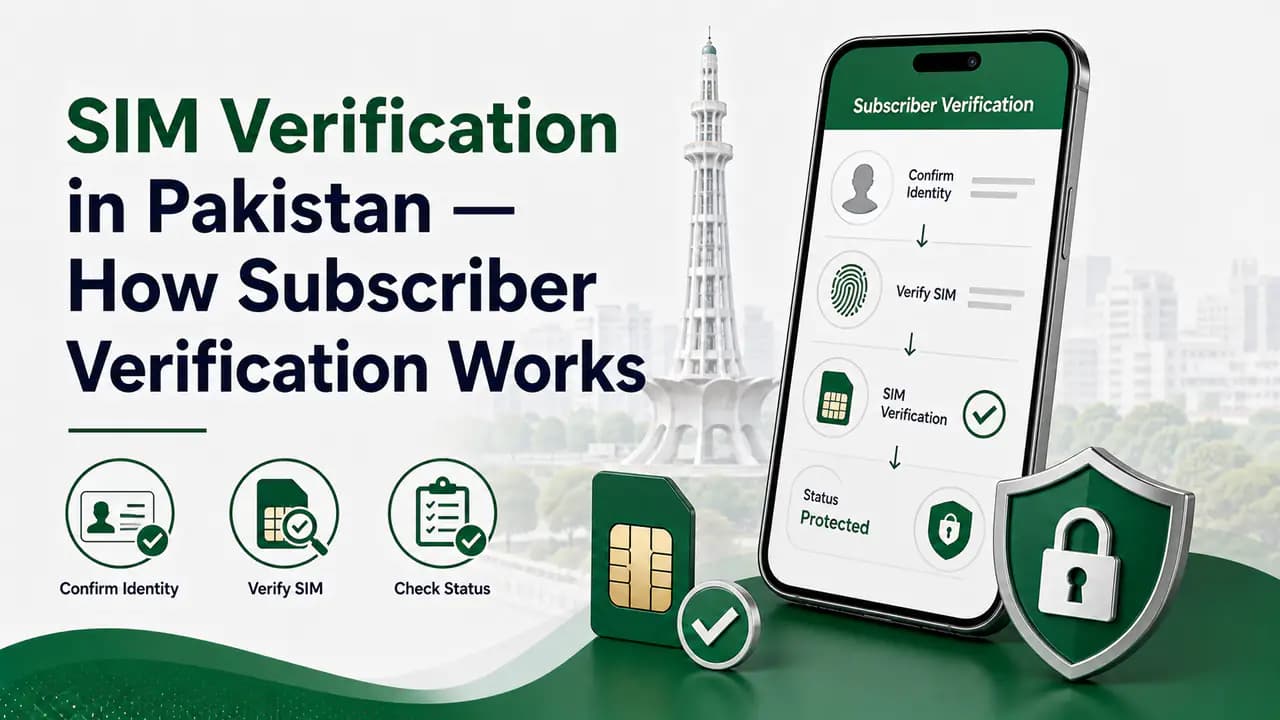
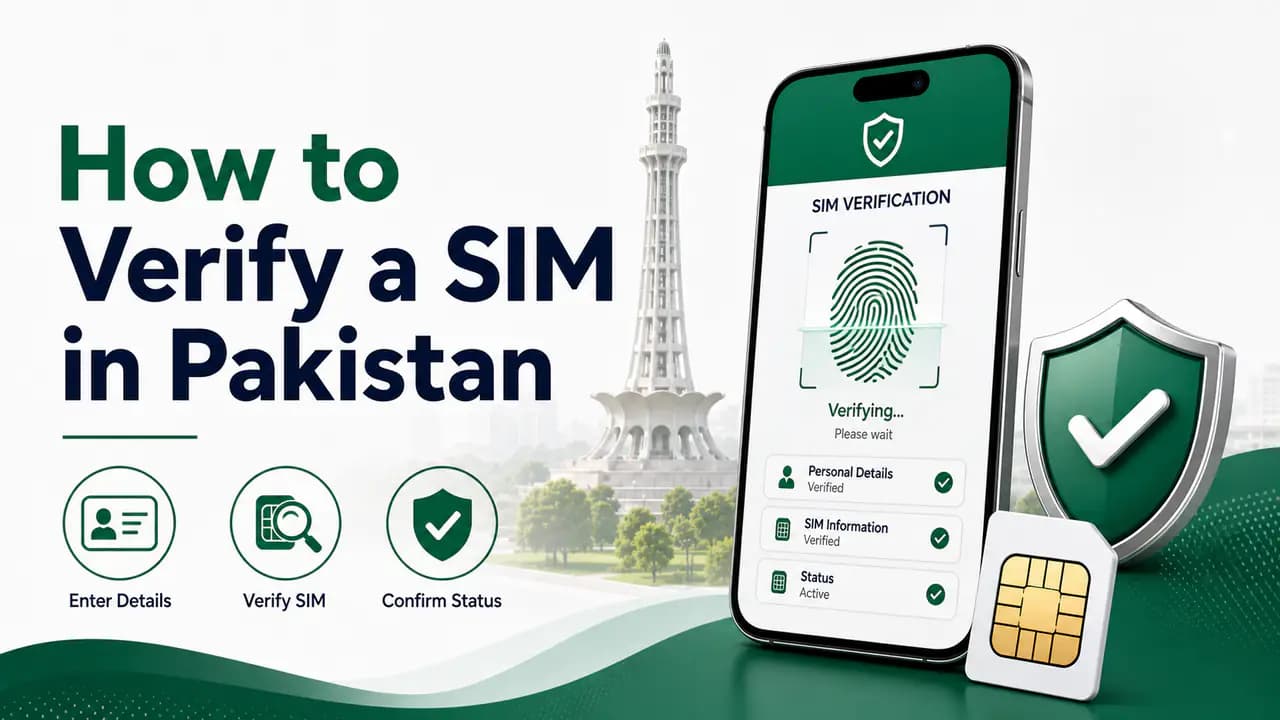
SIM verification is the process of confirming that a mobile connection has been properly registered and associated with the correct subscriber.
In Pakistan, SIM verification is an important part of mobile connection security. It helps ensure that a SIM is issued through the required subscriber verification process rather than being activated using someone else's identity or without proper authentication.
SIM verification is different from checking how many SIMs are registered on a CNIC. A CNIC SIM check gives you a count of connections associated with your identity, while SIM verification is concerned with confirming the registration or verification status of a particular connection.
SIM verification confirms subscriber authentication — separate from a CNIC SIM count or a network lookup.
30 sec read
Quick answer
SIM verification confirms a mobile connection was properly authenticated and registered to the correct subscriber—usually through biometric checks at an authorized operator channel. It is not the same as a CNIC SIM count. For problems on one specific line, contact your operator. To see how many SIMs are on your CNIC, use the SIM Information System or SMS 668.
What Is SIM Verification?
When a SIM is issued, the cellular operator has to complete the required subscriber verification process before the connection can be properly registered and activated. SIM verification therefore involves confirming information associated with the subscriber and the mobile connection.
Depending on the service and operator, verification-related information may include:
subscriber identity
CNIC or other applicable identity document
mobile number
registration status
activation information
connection type
cellular network
The exact information available to a customer depends on the verification service being used.
Why Is SIM Verification Important?
Proper verification helps connect a mobile number with the person who is actually registered as its subscriber. It can help reduce problems associated with illegally issued SIMs, SIMs registered using another person's identity, unauthorized use of identity information, incorrect subscriber records, and SIM-related fraud.
PTA cybersecurity guidance specifically warns about the illegal sale and issuance of SIMs without the required verification and authentication of subscriber credentials. It also recommends that consumers periodically check the number of SIMs issued in their name.
SIM Registration vs SIM Verification
These terms are closely related but should not be treated as exactly the same thing.
SIM Registration
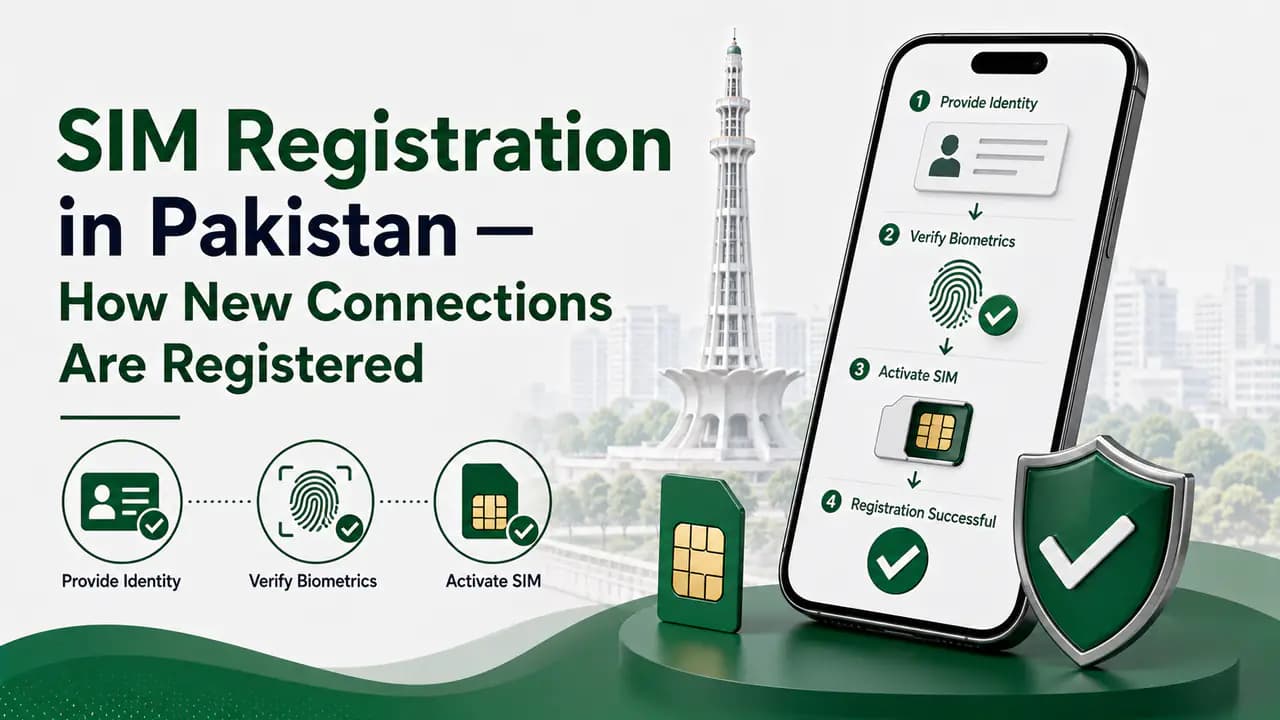
SIM registration is the process of creating or associating a subscriber record with a mobile connection. For example, when you obtain a new SIM, you provide your identity information and complete the required verification before the connection is registered.
SIM verification concerns confirming that an existing connection has been properly verified or that its subscriber information is associated with the appropriate registration record.
In simple terms: registration creates the subscriber record. Verification confirms the required subscriber information and status.
How to Check Whether a SIM Is Registered to You
If you want to know whether a SIM is associated with your own identity, the appropriate method depends on what information you need.
If your goal is to find out how many SIMs are registered against your CNIC, use the official SIM Information System. The official system provides a network-wise count of SIMs associated with a CNIC and also provides a Foreign ID option for foreign nationals.
It is important to understand that this is a SIM-count service, not a complete public subscriber-information database. If you need to investigate a particular mobile connection, use the appropriate operator or regulatory verification procedure instead.
The official SIM Information System can be used to check the number of SIMs associated with an identity. The system currently provides options for CNIC and Foreign ID. The result is presented as a network-wise SIM count.
Example network-wise SIM count result
6 rows2 columns
Table
Network
Number of SIMs
Jazz
Number registered
Telenor
Number registered
Ufone
Number registered
Zong
Number registered
Warid
Number registered
Total
Total registered
The exact networks and counts displayed depend on the information returned by the system. This service should not be confused with verifying the private identity information of another subscriber.
PTA cybersecurity guidance recommends periodically checking the number of SIMs issued in your name by sending your CNIC number to 668. This method is particularly useful when your objective is to discover whether unexpected SIM connections are associated with your identity.
The 668 method should therefore be considered a registered-SIM checking method, rather than a tool for obtaining the private details of another subscriber. SMS charges may apply according to the current service and operator charges.
A normal public SIM verification service should not be interpreted as permission to retrieve another person's private subscriber information.
There is an important difference between confirming your own SIM registration, checking SIMs associated with your own CNIC, and obtaining private information about another person's mobile number.
The official SIM Information System is designed around identity-based SIM counts rather than functioning as a public directory of subscriber names, CNIC numbers and addresses. If you need information about a particular connection for a legitimate reason, use the relevant official operator or regulatory procedure.
Avoid unofficial lookup sites
Avoid websites claiming to provide complete private SIM-owner databases. Do not submit your own CNIC, OTP, biometric information or other sensitive data to an unknown SIM lookup service.
How to Verify a SIM Through the Mobile Operator
If you have a problem with a particular SIM, the cellular operator is usually the appropriate first point of contact.
a SIM appears to be registered incorrectly
a replacement SIM has a registration problem
biometric verification does not complete
the subscriber information appears incorrect
you suspect a SIM has been issued without your permission
Contact the relevant operator through its official customer-service channel or visit an authorized franchise. The operator can determine which verification procedure applies to your particular connection.
Some mobile operators provide their own verification-related services or USSD/SMS procedures. These services can change over time, so users should confirm the current procedure directly with the relevant operator before relying on an old SMS code or USSD command found online.
Examples of operator-specific verification services that have historically been used include Jazz/Mobilink verification services, Telenor BVS-related verification, Zong verification services, and Ufone verification options.
Because operator codes and procedures can change, this page should not present an old operator code as permanently valid. For detailed operator-specific information, use the relevant network page:
BVS refers to biometric verification. Biometric verification is used to authenticate a subscriber using biometric information as part of the SIM registration process. The purpose is to make sure that the person registering or performing the applicable SIM transaction is properly authenticated.
Guard your biometrics
PTA's cybersecurity guidance warns consumers to be careful when providing fingerprints for SIM-related services and recommends obtaining SIMs through authorized cellular franchises. Do not allow an unknown person to collect or use your biometric information for an unexplained SIM transaction.
What If Biometric Verification Fails?
If a verification attempt fails, do not try to bypass the process using an unofficial seller. A failed verification does not necessarily mean that the SIM itself is fraudulent — there can be several reasons why a verification attempt does not complete.
What to do when biometric verification fails
1
Confirm your identity information
Make sure the CNIC or other identity details on file match your actual documents.
2
Visit an authorized operator channel
Go to an official franchise or customer centre — not an informal seller.
3
Ask why verification failed
The operator can determine the specific reason the biometric check did not complete.
4
Follow the operator's resolution procedure
Complete whatever current steps the operator requires to fix the problem.
5
Escalate if necessary
If the issue is not resolved, use the operator's official complaint process.
How to Check if a SIM Is Active
A SIM being registered and a SIM being active are related but different concepts. A SIM can have a subscriber registration record while its current service status may depend on activation, suspension, blocking, expiry or other operator conditions.
If you need to know whether a particular SIM currently works on the network, the most appropriate source is the relevant mobile operator. You can also contact the operator's customer service or visit an authorized franchise for assistance.
Do not assume that a SIM appearing in a CNIC SIM-count result automatically means that the physical SIM is currently being used.
Registered SIM Count vs Active SIM
The official SIM Information System is primarily a count-based service. It tells you how many SIMs are associated with the identity and provides the network-wise breakdown.
It should not be interpreted as a complete real-time dashboard showing whether every physical SIM is currently inserted into a phone or actively being used. If you need the status of a particular connection, contact the relevant operator.
What If a SIM Is Registered Without Your Knowledge?
If you discover an unexpected SIM associated with your identity, first check whether you may have forgotten about an old connection. Consider old SIMs you stopped using, replacement connections, SIMs obtained for another legitimate purpose, or multiple connections from the same operator.
If you still cannot identify the connection, contact the relevant mobile operator through an official channel. PTA guidance specifically recommends checking SIMs issued in your name and taking action to block illegally issued SIMs. If the operator does not resolve the matter, use the appropriate PTA complaint process.
Protect Yourself From Unauthorized SIM Verification
Your biometric information and identity documents are sensitive. To reduce the risk of unauthorized SIM transactions:
use official cellular operator channels
complete biometric verification yourself
do not give fingerprints to unknown people
do not provide CNIC photographs to suspicious individuals
do not accept claims that a SIM can be activated without proper verification
periodically check SIMs registered against your identity
contact your operator immediately if something appears incorrect
PTA's NTCERT awareness material specifically advises consumers to be vigilant when providing fingerprints for a new SIM.
SIM Verification and SIM Owner Details
SIM verification should not be confused with a public SIM-owner lookup service. A legitimate verification process is intended to establish or confirm subscriber information through authorized channels.
It does not mean that anyone can enter a mobile number into an unofficial website and obtain the subscriber's full name, CNIC number, address, private records, or other confidential information. Websites making such claims should be treated cautiously.
SIM Verification and Network Checking
Checking a SIM's registration is also different from checking which network currently serves a mobile number. For example, a mobile number may have been originally issued by one operator and later moved through mobile number portability. The current network of a number is therefore a separate question from its subscriber verification status.
Network check via SMS
The official SIM Information System currently states that the network of a number can be checked by sending N 03xxxxxxxxx to 76367. The service currently displays a charge of Rs. 2 + tax on the official SIM Information System.
Use the dedicated network-checking information when the goal is to identify the current operator rather than verify subscriber registration.
What If Your SIM Stops Working Unexpectedly?
An unexpected loss of mobile service can have several causes. It may be related to account or service status, SIM damage, network problems, a blocked connection, replacement or SIM-swap activity, or other operator-side issues.
If your phone suddenly stops receiving calls and SMS without an obvious reason, contact your mobile operator promptly. PTA has also published guidance about SIM-swap fraud and recommends contacting the mobile provider immediately if calls or texts suddenly stop without explanation.
Act quickly on critical numbers
Do not wait if the affected number is connected to important accounts such as banking, email or messaging services.
What Is the Difference Between Verification and Ownership Transfer?
Verification confirms or authenticates information associated with a SIM transaction or subscriber record. Ownership transfer is the formal process of moving a connection from one subscriber to another.
If you give your SIM to another person, that does not automatically transfer its registration. If the other person needs the connection in their own name, use the operator's official ownership-transfer procedure.
SIM verification is the process of confirming the subscriber information and required verification status associated with a mobile connection.
No. A CNIC SIM check primarily shows how many SIMs are associated with an identity, while SIM verification concerns the verification or registration status of a particular connection or transaction.
Use the official SIM Information System to check the number of SIMs associated with your CNIC or eligible Foreign ID. PTA guidance also recommends the 668 SMS method for checking SIMs issued in your name.
You should not assume that an official SIM verification service allows you to retrieve another person's private subscriber information. Official services are designed to protect subscriber information and allow appropriate identity-based checks.
BVS refers to biometric verification. It is used as part of the subscriber authentication process for applicable SIM transactions.
Visit an authorized cellular operator channel and ask the operator to determine why the verification failed. Follow its current procedure rather than trying to bypass the process.
Use the official SIM Information System to check the number of SIMs associated with your identity. If the result contains a connection you do not recognize, contact the relevant mobile operator.
A SIM registration record and current service activity are not exactly the same thing. For the current status of a particular connection, contact the relevant cellular operator.
The official SIM Information System currently provides a network-checking service by sending an N followed by the 11-digit mobile number to 76367, with the displayed charge of Rs. 2 + tax.
Contact your mobile operator promptly, particularly if calls and SMS stop unexpectedly. Sudden loss of service can have several causes, including SIM-related security problems.
The applicable subscriber registration and verification process is required before a normal SIM can be properly issued and activated. PTA guidance warns against SIMs issued without the prescribed verification and authentication.
Learn how to verify a SIM in Pakistan using biometric verification, CNIC SIM checks and official operator channels, plus what to do if verification fails.
Prepared by PakSIM Editorial from publicly described verification and PTA guidance. Operator USSD codes, SMS routes, and procedures change — confirm current steps with your network before relying on any single method.
Bottom Line
SIM verification helps establish that a mobile connection has gone through the required subscriber authentication process.
If you simply want to know how many SIMs are registered against your identity, use the official SIM Information System or the appropriate 668 checking method. If you need to investigate one particular SIM, contact the relevant cellular operator through an authorized channel.
And if your concern is that a SIM has been registered or used without your knowledge, act through official operator and PTA channels rather than relying on unofficial SIM-owner lookup websites. Keeping SIM registration, SIM verification, network checking and SIM-owner information as separate topics makes each service easier to understand and helps you use the correct official procedure for the problem you actually have.