How to Check SIM Registration Status in Pakistan
Check SIM registration status in Pakistan and learn how CNIC registration, biometric verification and official mobile operator verification work.
Quick answer
If you have a SIM card and want to know whether it is properly registered and verified, the first thing to understand is what "SIM registration status" actually means.
In Pakistan, a mobile connection is linked to a subscriber's identity through the required registration and verification process. For a normal cellular connection, the operator checks the customer's identity information and uses biometric verification as part of SIM issuance and activation.
This is different from simply checking how many SIMs are registered against a CNIC.
A CNIC SIM check tells you the number of connections associated with an identity. A SIM registration-status check is about a particular connection and whether it has gone through the required subscriber verification process.
What Does SIM Registration Mean?
When you purchase a new SIM from a legitimate mobile operator, the connection is not supposed to be activated simply because you have received a plastic SIM card.
The operator has to associate the connection with the customer's identity and complete the required verification process.
For example, Zong's current terms explain that a customer provides a valid identity document and that the seller scans the customer's thumb or finger through a designated biometric scanner. The biometric information and CNIC information are then sent for verification from NADRA. After successful verification, the operator ensures verification of the SIM within the stated process.
This is why biometric verification is an important part of legitimate SIM registration in Pakistan.
Mobile operators also continue to warn customers that their SIM is effectively an identity-linked service and that they should use SIMs issued through biometric verification.
For the broader registration process, see how to register a SIM and the SIM registration page.
How to Check Whether Your SIM Is Registered
If you are using a SIM and want to confirm that it is properly registered to you, the safest approach is to use the official channels of the mobile network that issued the SIM.
You can contact the operator's customer-care service or visit an official franchise or sales and service center.
The operator may ask you to verify your identity before providing information about the connection.
Depending on the situation, the operator may be able to confirm whether the SIM is associated with your identity and whether any additional verification is required.
If you recently purchased a SIM, allow the operator's normal activation and verification process to complete before assuming that something has gone wrong.
Visit the Official Mobile Operator Franchise
One of the most reliable ways to resolve a SIM registration question is to visit the network's official franchise or customer service center.
Take your:
- Original CNIC or applicable identity document
- SIM card
- Mobile phone containing the SIM, if possible
Explain that you want to verify the registration status of the connection.
The staff may perform the required verification through the operator's system.
A franchise visit is particularly useful if:
- the SIM was recently purchased
- the SIM stopped working after activation
- biometric verification failed
- the SIM is registered under the wrong person
- you are unsure who the connection is registered to
- you need to replace or reissue the SIM
- you believe the connection has a registration problem
SIM Registration and Biometric Verification
Biometric verification is one of the most important parts of the legitimate SIM registration process.
When a customer obtains a new SIM through an authorized channel, the operator can capture the required biometric information and submit it for identity verification.
Zong's current SIM terms describe this process in detail: the customer's CNIC is checked for eligibility, a thumb or finger impression is captured through a designated biometric scanner, and the information is sent for verification from NADRA.
The same general principle applies to the broader telecom registration system: a SIM should be issued through the proper identity and biometric verification process rather than through an informal seller or an unofficial method.
This is also why buying a SIM from an unknown person or using a SIM registered under somebody else's identity can create problems later.
What Happens After Buying a New SIM?
After purchasing a new SIM from an authorized retailer or franchise, the operator completes the required activation and verification procedures.
The exact time can depend on the operator and the circumstances.
For example, Zong's current terms state that after successful NADRA verification, the operator will ensure verification of the SIM within 24 hours.
If your SIM has just been purchased, do not immediately assume that a short activation delay means that the connection has been rejected.
Instead:
Confirm authorized purchase
Make sure the SIM was purchased from an authorized channel.Keep documentation
Keep the receipt or transaction information.Wait for activation
Wait for the normal activation process.Restart the phone
Restart the phone after the SIM becomes active.Contact the operator
If the connection still does not work, contact the operator.Visit a service center
Visit an official service center if the issue requires biometric or identity verification.
How to Check SIM Registration Through Your CNIC
There is another useful check that can help you understand whether mobile connections are associated with your identity.
The official SIM Information System can be used to check the number of SIMs registered against your CNIC.
The service provides a network-wise count rather than functioning as a complete public directory of mobile numbers.
For example, a result could show something like:
This is useful if your concern is: "Are there SIMs registered against my identity that I do not recognize?"
It is not the same question as: "Is this particular SIM properly verified and registered?"
If your CNIC check shows an unexpected connection, contact the relevant mobile operator for further investigation.
See the guide on how to check SIMs registered on a CNIC for step-by-step instructions.
What Does the 668 Service Do?
The SMS service associated with short code 668 is another way to check the number of SIMs issued in your name.
You send your CNIC information through the SMS service and receive a network-wise SIM count.
This is useful for checking your identity record, but it should not be confused with a complete registration-status report for a particular SIM.
The two questions are different:
668 / CNIC SIM check: How many SIMs are associated with my identity?
Operator verification: Is this particular connection properly registered and verified?
If your purpose is specifically to verify one SIM, contact the operator that issued that connection.
Can You Check SIM Registration Status Online?
There is an important distinction between the official online SIM Information System and an operator's customer account.
The official SIM Information System is primarily intended to show the number of SIMs associated with an identity.
It should not be described as a public database that displays the complete registration information of every individual SIM.
If a website claims that you can enter any Pakistani mobile number and receive the complete owner's name, CNIC, address, and other private information, do not assume that it is an official SIM registration service.
For a genuine registration issue, use the operator's official website, app, helpline, or franchise.
How to Check If a SIM Is Registered in Your Own Name
If you are concerned that the SIM you are currently using might be registered to somebody else, the safest approach is to contact the network directly.
Tell the customer-service representative that you want to confirm the subscriber information associated with your connection.
You may be asked to complete identity verification.
If the operator cannot resolve the matter over the telephone, visit an official franchise with your original CNIC and the SIM.
Do not rely on an unofficial website claiming to reveal the subscriber's CNIC.
If the connection is not registered in your name, ask the operator about the appropriate ownership-transfer or registration procedure.
For ownership changes, see how to transfer SIM ownership.
What If Your Biometric Verification Fails?
A failed biometric verification does not necessarily mean that the SIM itself is defective.
There can be several reasons why biometric verification may not complete successfully.
For example:
- the fingerprint may not be captured properly
- the identity information may not match
- the biometric record may require further assistance
- there may be a problem with the verification equipment
- the customer's identity document may have an issue
- the operator's system may require another attempt
Zong's current terms state that when NADRA cannot verify the customer's thumb or finger impression, the customer is informed of the reason and may need to contact NADRA for further support.
If biometric verification fails, ask the operator or authorized franchise for the exact reason instead of repeatedly attempting the process at random shops.
Can a SIM Work Without Being Properly Registered?
You should not assume that a SIM is properly registered simply because it can make calls, receive SMS messages, or access mobile data.
A working connection and a correctly registered subscriber record are related but not identical concepts.
A SIM may have been activated under another person's identity, for example, if somebody gave you a connection that was originally registered to them.
This is why people should use SIMs issued in their own name through the proper verification process.
Current operator pages continue to emphasize the principle that customers should use SIMs issued through biometric verification.
What If You Are Using Someone Else's SIM?
If you regularly use a SIM that belongs to another person, do not assume that your use of the phone makes you the registered subscriber.
The operator's subscriber record remains important.
If you want the connection to be associated with you, ask the mobile operator about its ownership-transfer process.
The exact procedure can vary depending on the situation.
You may need:
- Your original CNIC
- The current SIM
- The registered owner's involvement
- Biometric verification
- Additional documents
What If You Find an Unknown SIM on Your CNIC?
If your CNIC SIM check shows a connection that you do not recognize, start by identifying the operator.
Then contact that operator through its official customer-care channel or visit its franchise.
Tell them that the connection appears to be associated with your CNIC but you do not recognize it.
The operator can tell you what verification and disowning or blocking procedure is available.
If the operator does not resolve the matter, you can escalate the issue through the appropriate PTA complaint process.
Keep your complaint reference number and any supporting information.
SIM Registration Status vs SIM Ownership
These terms are often used interchangeably online, but they can describe different things.
SIM registration refers to the process of associating a mobile connection with a verified subscriber.
SIM ownership generally refers to the person recorded as the subscriber for that connection.
SIM activation refers to making the connection usable on the network.
CNIC SIM count refers to the number of connections associated with an identity.
Understanding these differences makes it much easier to choose the correct service.
For example, if your question is "How many SIMs are registered on my CNIC?", use the CNIC SIM Information System.
If your question is "Who is this SIM registered to?", use the relevant operator's authorized customer-service process.
If your question is "Is this SIM properly verified?", contact the operator that issued the connection.
If your question is "What network is this number currently using?", use a current network-check service.
Can MNP 667 Confirm SIM Registration Information?
The MNP SMS service is related to mobile-number portability and subscriber information.
Sending MNP to 667 can return subscriber information as part of the operator's MNP process.
This can include information such as:
- Mobile number
- Subscriber name
- CNIC
- SIM number
The exact response depends on the operator and current service implementation.
This should not be treated as a general public lookup tool for checking arbitrary people's numbers.
If you are checking a connection that you own, use the service for its intended telecom purpose.
For more on SIM verification methods, see how to verify a SIM and SIM verification.
What About Checking the Current Network?
Network checking is a separate issue from SIM registration.
A mobile number can be moved from one network to another through Mobile Number Portability while keeping the same number.
Therefore, the first network associated with a number does not necessarily tell you its current network.
If your purpose is to determine whether a number currently operates on Jazz, Zong, Telenor, Ufone, or another network, use a current network-check service.
Do not confuse this with subscriber verification.
What If the SIM Suddenly Stops Working?
If a previously working SIM suddenly stops working, several different issues could be responsible.
For example:
- The SIM may have been blocked.
- The connection may have a verification issue.
- The SIM may be damaged.
- The account may have another service-related problem.
- The connection may require replacement.
- There may be a network outage.
Do not immediately assume that the SIM has been permanently cancelled.
Contact your operator's official customer-care service first.
If the SIM is physically damaged, the operator may be able to issue a replacement after completing the required identity and biometric verification.
If the SIM was blocked, see how to unblock a blocked SIM or how to block a lost SIM.
Use Official Channels for SIM Verification
The safest way to check registration status is to use the organization that actually maintains the subscriber record.
For a specific mobile connection, this normally means the mobile operator.
You can use:
- Official customer-care helpline
- Official operator app
- Official website
- Authorized franchise
- Sales and service center
If the matter involves an identity-registration problem that cannot be resolved by the operator, use the appropriate PTA complaint channel.
Avoid unofficial agents who claim they can "verify" a SIM through a private database.
Protect Your CNIC and Biometric Information
SIM registration involves sensitive identity information.
Your CNIC number, CNIC photograph, fingerprints, OTPs, and other verification information should not be handed to an unknown person.
A genuine operator may need your identity information to perform a legitimate service, but that does not mean every person claiming to be a telecom agent should receive it.
Some basic precautions are useful:
- Use official operator franchises.
- Check that the retailer is authorized.
- Do not share OTPs.
- Do not send your CNIC photograph to random WhatsApp numbers.
- Do not provide biometric information outside an authorized verification process.
- Keep receipts for SIM purchases and replacements.
- Do not buy SIMs from unknown individuals.
Your mobile number is closely connected to your digital identity, so protecting the registration record is important.
For broader fraud protection, see how to protect your CNIC from SIM fraud.
Frequently Asked Questions
Related articles
How to Verify a SIM in Pakistan
Learn how to verify a SIM in Pakistan using biometric verification, CNIC SIM checks and official operator channels, plus what to do if verification fails.
How to Register a SIM in Pakistan
Learn how to register a SIM in Pakistan with CNIC and biometric verification, authorized franchises, SIM limits and post-registration checks.
How to Check SIMs Registered on Your CNIC in Pakistan
Learn how to check SIMs registered on your CNIC in Pakistan using cnic.sims.pk and SMS 668, understand network counts and identify unknown SIMs.
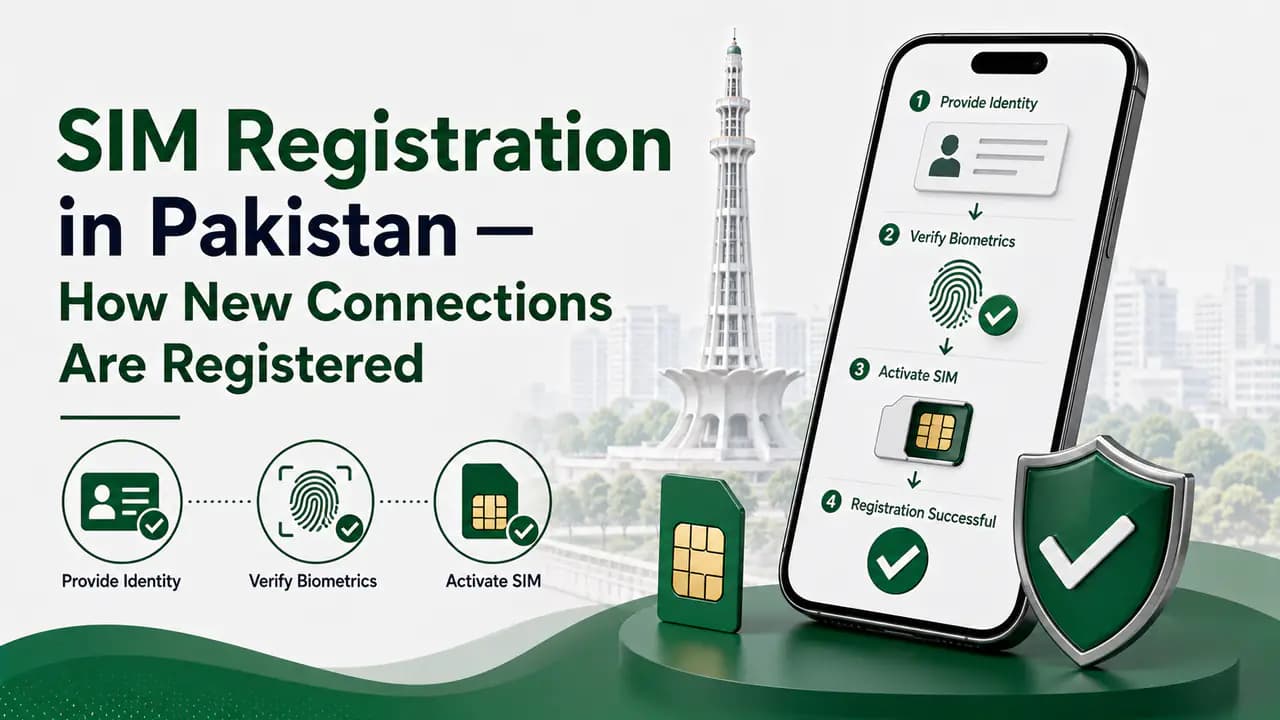
SIM Registration in Pakistan — How New Connections Are Registered
Learn SIM registration in Pakistan, including CNIC requirements, biometric verification, authorized franchises, SIM limits and registration problems.
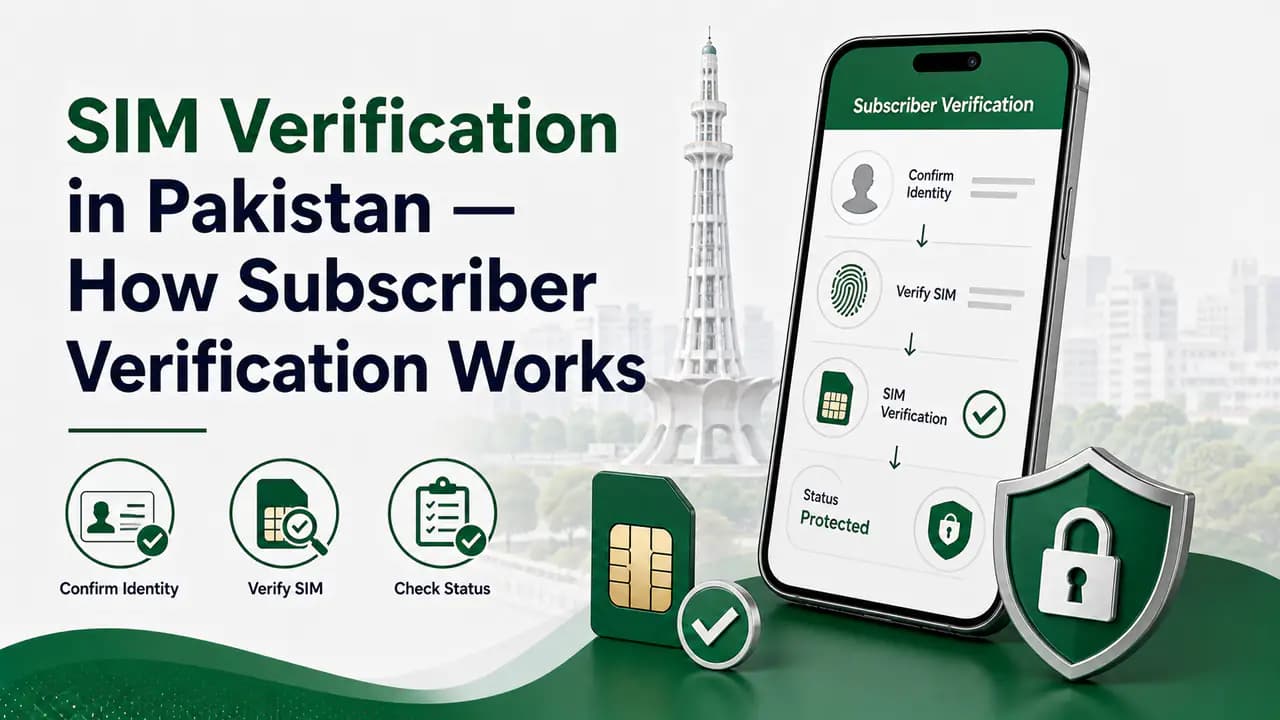
SIM Verification in Pakistan — How Subscriber Verification Works
Learn SIM verification in Pakistan, including biometric BVS verification, CNIC SIM checks, operator verification and solutions for verification problems.
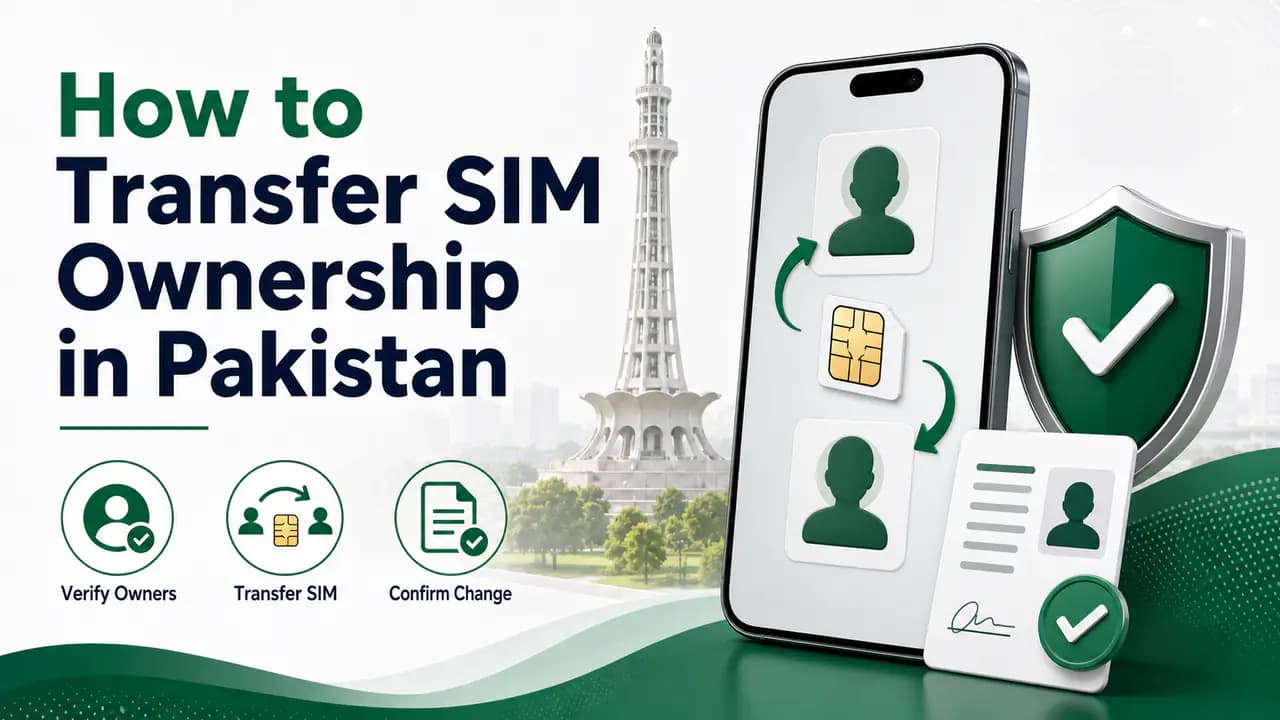
How to Transfer SIM Ownership in Pakistan
Learn how to transfer SIM ownership in Pakistan, including required documents, biometric verification, operator procedures and ownership checks.
About the author
Bottom Line
A SIM being active on your phone is not the same thing as knowing that it is correctly registered in your own name.
For a particular SIM, the most reliable way to check its registration status is to contact the mobile operator through an official customer-care channel or visit an authorized franchise or service center.
For checking the total number of SIMs associated with your CNIC, use the official SIM Information System or the appropriate SMS service.
If biometric verification fails, the SIM is registered under somebody else's identity, or an unexpected connection appears against your CNIC, deal with the issue directly through the operator and use PTA's official complaint channels when necessary.
Most importantly, avoid unofficial SIM databases and never give your CNIC, OTP, biometric information, or other sensitive identity details to an unknown person claiming to provide SIM verification services.