How to Check the Number of SIMs Registered on Your CNIC in Pakistan
Check how many SIMs are registered on your CNIC in Pakistan using official PTA methods, including the SIM Information System and SMS 668.
Quick answer
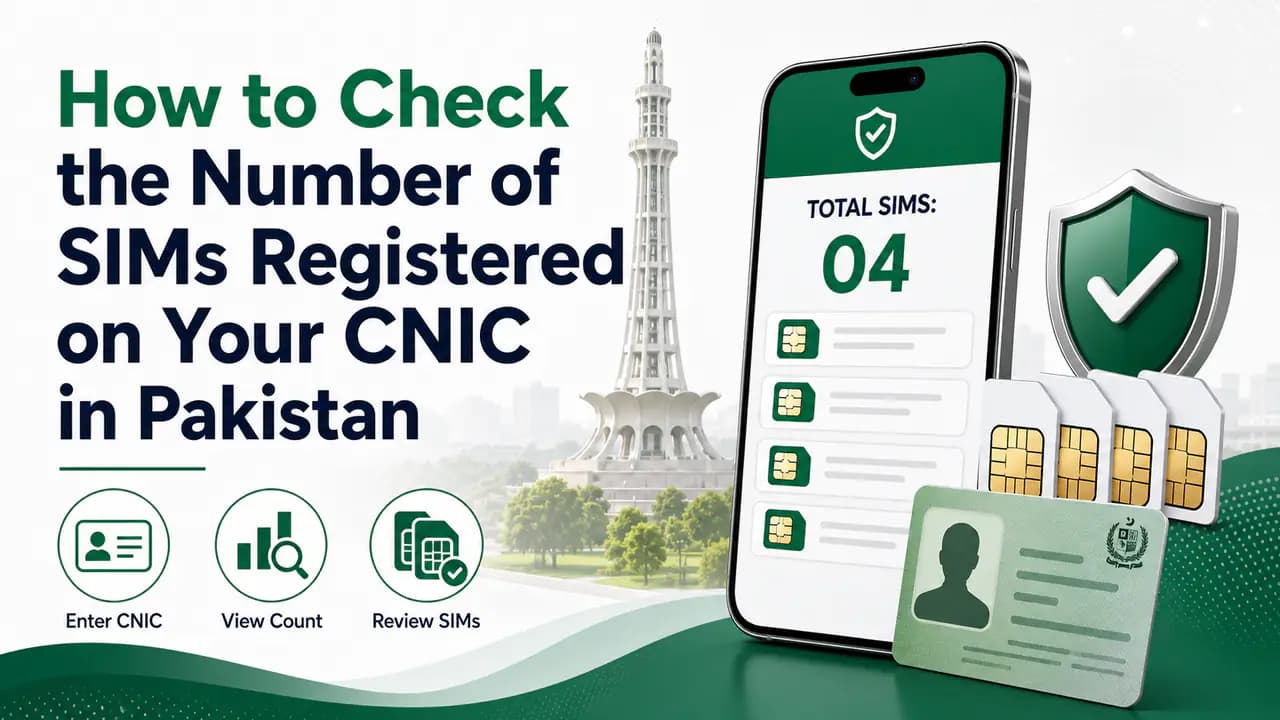
If you want to know how many SIMs are registered on your CNIC in Pakistan, you can check the total through the official SIM Information System provided for this purpose.
The check is useful when you want to confirm that the number of mobile connections registered against your identity matches the SIMs you actually use. It can also help you notice an unexpected registration that you may need to investigate with the relevant mobile operator.
The important thing to understand is that a SIM count check is different from checking the details of a particular mobile number. The CNIC-based system is primarily intended to show how many SIMs are associated with your identity and how those SIMs are distributed among mobile operators.
What Does the SIM Count Check Tell You?
The official SIM Information System provides a network-wise count of SIMs associated with the identity document you submit.
For a Pakistani citizen, this normally means checking with a CNIC. The system also provides a Foreign ID option for eligible foreign nationals in Pakistan.
A result can look something like this:
The numbers above are only an example. Your actual result will depend on the SIM registrations associated with your identity record.
The main purpose is to answer a simple question: "How many SIM connections are registered against my identity?"
It is not intended to provide a public list of somebody else's mobile numbers, addresses, or private subscriber information.
How to Check the Number of SIMs on Your CNIC Online
The easiest method is the official SIM Information System.
You can access the service through cnic.sims.pk.
Enter the CNIC information requested by the official system and complete the verification shown on the page.
You should enter your identity information only into the legitimate service rather than an unofficial website claiming to provide SIM databases.
For step-by-step instructions, see the guide on how to check SIMs registered on a CNIC or the CNIC SIM check page.
Step-by-step
Open the official system
Open the official SIM Information System.Select identity option
Select the appropriate identity-document option.Enter your CNIC
Enter your CNIC number as requested.Complete verification
Complete the verification or captcha shown on the website.Submit
Submit the request.Review the result
Review the network-wise SIM count displayed by the system.
The result is designed to give you an overview of the SIMs registered against your identity.
For Foreign Nationals
If you are a foreign national using a qualifying identity document in Pakistan, do not simply enter that document number into the CNIC field.
Use the Foreign ID option provided by the official SIM Information System when available and follow the instructions displayed there.
This distinction is important because the system supports different identity-document categories.
Check Your SIM Count Through SMS
There is also an SMS-based method associated with PTA's SIM information service.
You can send your CNIC number to 668 to check the SIMs issued in your name.
The SMS service can involve a charge. The commonly quoted charge is around Rs. 2 plus applicable taxes per SMS, but charges can change, so it is sensible to check the current applicable rate with your mobile operator.
The SMS method is useful when you do not want to use the website or do not have convenient internet access.
How to Use the 668 Method
Open Messages
Open your phone's messaging application.Create a new SMS
Create a new SMS.Enter your CNIC
Enter your CNIC number according to the service requirements.Send to 668
Send it to 668.Wait for the response
Wait for the response.Review the count
Review the SIM count provided for the relevant operators.
The response is about the number of SIMs associated with your identity. It should not be treated as a service for obtaining private information about another subscriber.
Online Check vs 668 SMS
Both methods serve the same basic purpose, but the experience is different.
If you are sitting at a computer or have mobile internet, the online method is generally the more convenient option. If you have limited internet access, the SMS method provides another way to perform the check.
How Many SIMs Can Be Registered on One CNIC?
The number of SIMs that can be associated with an identity is controlled by Pakistan's telecom registration rules.
A commonly referenced limit is up to eight SIMs per CNIC, consisting of five voice SIMs and three data SIMs. Because regulatory rules and operator policies can change, you should verify the current limit with PTA or the relevant operator if you are making an important registration decision.
More importantly, the limit should not be confused with your actual SIM count.
For example, if the system shows five SIMs registered against your CNIC, that does not mean you are required to have five SIMs. It simply means that five connections are currently associated with your identity record.
Why Should You Check Your CNIC SIM Count?
Many people only think about their SIM registration when buying a new connection. However, checking your existing registrations from time to time can be useful.
You may have:
- an old SIM that you stopped using
- a connection that you forgot to close
- a second SIM that you rarely use
- a connection registered for a family-related reason
- a data SIM that you no longer remember having
In some situations, a person may also discover a connection that they genuinely do not recognize.
That is why checking the number of SIMs registered on your CNIC is a useful identity-management habit.
You do not need to check every day. An occasional check is enough for most people, particularly if you have changed SIMs several times over the years.
What If the Number Does Not Match Your Records?
Suppose you check your CNIC and the result says:
- Jazz: 3
- Zong: 2
- Telenor: 1
- Ufone: 1
That would mean the system is showing seven registered connections in total.
If you only remember having four SIMs, do not immediately assume that all three additional registrations are fraudulent.
First, think about your previous connections.
You may have forgotten an old number, a replacement SIM, or another connection that you stopped using.
If you still cannot explain the additional registration, contact the relevant mobile operator through an official customer-service channel or visit an authorized franchise.
Ask the operator how the unexpected registration can be investigated and what procedure applies to removing or blocking a connection that you do not recognize.
If the issue cannot be resolved through the operator, you can use the appropriate PTA complaint channel.
The SIM Count Does Not Give You Every Mobile Number
This is one of the most important distinctions to understand.
A CNIC SIM check is not the same thing as a SIM owner-details lookup.
The SIM Information System is primarily designed to tell you the number of SIMs associated with your identity and their operator-wise distribution.
It should not be understood as a public directory containing:
- every mobile number
- subscriber addresses
- private customer records
- another person's CNIC information
- private information belonging to another subscriber
If you are trying to investigate a particular mobile number, that is a different task and may require a different official procedure.
This distinction also explains why websites claiming to provide a complete "SIM owner database" should be treated carefully.
Can You Check Someone Else's CNIC SIM Count?
The official SIM information service is intended for checking SIMs associated with your own identity.
You should not use another person's CNIC simply to obtain their private subscriber information.
If you need to resolve an issue involving another person's mobile connection, use the appropriate official operator or regulatory procedure rather than attempting to obtain private subscriber information through unofficial services.
What Is the Difference Between CNIC SIM Count and SIM Owner Information?
These searches are often mixed together, even though they have different purposes.
CNIC SIM count
This answers: "How many SIMs are registered against my identity?" The official SIM Information System provides the network-wise count.
SIM registration information
This concerns whether a particular connection has been properly registered and verified.
SIM owner information
This concerns information associated with a specific mobile connection and is subject to privacy and verification requirements.
Keeping these topics separate makes it easier to find the correct official procedure instead of relying on websites that promise information they are not authorized to provide.
For registration status checks, see how to check SIM registration status.
What Does 668 Actually Check?
The 668 service is commonly used to check the number of SIMs issued in a person's name.
It is therefore useful when your question is: "How many SIMs are registered against my CNIC?"
It is not the appropriate service to expect a complete list of private subscriber information.
If your objective is simply to audit your own registrations, the official SIM Information System and the 668 SMS service are the relevant starting points.
What If You Recently Bought or Changed a SIM?
If you have recently registered, replaced, transferred, or otherwise changed a SIM, your records may not always be something you should interpret without considering when the transaction took place.
If a newly completed transaction does not appear as expected, or an old connection continues to appear, contact the relevant operator and ask them to check the registration record.
Keep any transaction receipt or other documentation you received when dealing with the operator. It can be useful if you need to explain when a SIM was registered, replaced, blocked, or transferred.
What If You Have Reached the SIM Registration Limit?
If your CNIC already has the maximum permitted number of connections, a new SIM registration may not be possible until an existing registration is removed or otherwise resolved.
In that situation, first check your current registrations through the official SIM Information System.
If you find an old connection that you no longer need, contact the relevant operator about the correct procedure for closing or removing it.
If you find an unfamiliar connection, do not simply ignore it because you have reached the limit. Ask the operator to investigate the registration.
Check Before Giving Your CNIC to Someone
Your CNIC is an important identity document, so avoid handing over copies or identity information unnecessarily.
Be particularly careful with websites or individuals who claim they can provide:
- complete SIM databases
- someone's SIM owner name
- private CNIC information
- lists of numbers registered to another person
- leaked telecom records
You should not need to give your CNIC photograph, fingerprint information, OTP, or other sensitive credentials to an unknown person merely to perform your own SIM-count check.
For a basic CNIC SIM count, use the appropriate official service.
What to Do If You Suspect Unauthorized SIM Registration
If your result contains a connection that you genuinely do not recognize, take the issue seriously but handle it through official channels.
A practical approach is:
1. Check the operator
Look at the network-wise result and identify which operator has the unexpected SIM count.
2. Think about old connections
Before reporting fraud, check whether the number could relate to an old SIM, replacement, data connection, or another connection you previously used.
3. Contact the operator
Visit the operator's authorized franchise or contact its official customer-service channel.
Explain that a SIM appears to be associated with your CNIC but you do not recognize it.
4. Ask about blocking or removal
The operator can tell you what verification is required and what procedure applies to the connection.
5. Escalate when necessary
If you cannot resolve the matter through the operator, use PTA's official complaint mechanisms.
Keep records of your complaint and any supporting documents.
See also how to report a fraudulent SIM.
Other Checks You May Need
A CNIC SIM count is only one type of telecom check.
Depending on your situation, you may instead need to:
- verify a particular SIM
- find the current network of a mobile number
- block a lost SIM
- register a new SIM
- transfer SIM ownership
- update your CNIC information
- investigate an unauthorized SIM
These are separate procedures and should not be confused with the simple question of how many SIMs are registered on your CNIC.
For example, if you want to know the current network of a mobile number, the CNIC SIM Information System is not the right tool. A separate network-check procedure is used for that purpose.
Related guides include how to verify a SIM, how to block a lost SIM, and how to register a SIM.
Do Not Confuse SIM Count With Mobile Number Portability
Another common source of confusion is mobile number portability.
A person can keep a mobile number while changing the network associated with that number. Therefore, the network currently serving a number may not necessarily be the same network through which the number was originally issued.
This is why a current network check and a CNIC SIM count answer different questions.
If you need to identify the network currently serving a particular number, use the appropriate network-check service rather than trying to infer it from your CNIC SIM count.
Frequently Asked Questions
Related articles
How to Check SIMs Registered on Your CNIC in Pakistan
Learn how to check SIMs registered on your CNIC in Pakistan using cnic.sims.pk and SMS 668, understand network counts and identify unknown SIMs.

How to Check SIMs Registered on Your CNIC in Pakistan
Check SIMs registered on your CNIC in Pakistan using the official SIM Information System and SMS 668. Find your network-wise SIM count safely.
How to Check SIM Registration Status in Pakistan
Check SIM registration status in Pakistan and learn how CNIC registration, biometric verification and official mobile operator verification work.
How to Report a Fraudulent SIM in Pakistan
Learn how to report a fraudulent or unauthorized SIM in Pakistan, check unknown CNIC-linked SIMs, contact your operator and escalate to PTA.
SIM Verification in Pakistan — How Subscriber Verification Works
Learn SIM verification in Pakistan, including biometric BVS verification, CNIC SIM checks, operator verification and solutions for verification problems.
How to Protect Your CNIC From SIM Fraud in Pakistan
Protect your CNIC from SIM fraud in Pakistan with secure biometric practices, official SIM checks, fraud prevention tips and unknown SIM reporting.
About the author
Bottom Line
If your goal is simply to find out how many SIMs are registered on your CNIC in Pakistan, start with the official SIM Information System.
The online service provides a network-wise count, while the 668 SMS service provides another way to check SIMs issued in your name.
After checking the result, compare the numbers with the connections you actually use or remember having. If something does not make sense, investigate it through the relevant mobile operator rather than relying on unofficial SIM databases.
Your CNIC SIM count is a simple check, but it can be useful for keeping track of the mobile connections associated with your identity.