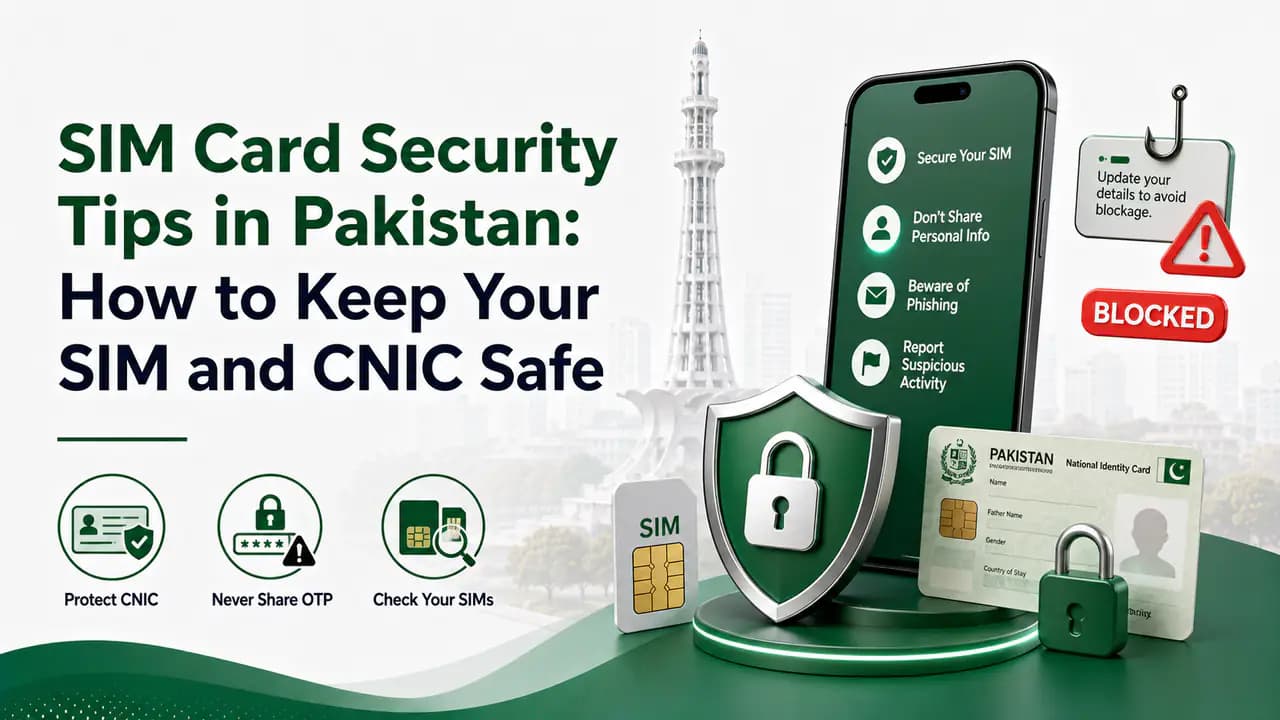
SIM Card Security Tips in Pakistan: How to Keep Your SIM and CNIC Safe
Learn SIM card security tips in Pakistan to protect your CNIC, OTPs and mobile number, prevent SIM fraud and safely handle lost or unknown SIMs.
Quick answer
Your mobile SIM is much more important than just a way to make calls. In Pakistan, your SIM number can be connected to your CNIC, WhatsApp account, banking services, mobile wallets, email accounts, social media and other online services.
Because of this, losing control of your SIM can create problems beyond simply losing the ability to make calls.
The good news is that most SIM-related security problems can be reduced by following a few simple habits. The most important ones are to keep your CNIC information private, use official channels when buying or replacing a SIM, be careful when providing biometric verification, and regularly check how many SIMs are registered against your CNIC.
Pakistan Telecommunication Authority's National Telecom CERT (NTCERT) also publishes security-awareness material covering topics such as identity theft, social engineering and precautions when providing fingerprints for a new SIM.
Why SIM security matters
A SIM can act as an important link between your identity and your digital accounts.
For example, your mobile number may be used for:
- Receiving OTP codes
- WhatsApp registration
- Password recovery
- Banking alerts
- Mobile wallet verification
- Social media account recovery
- Email account recovery
- Calls and SMS
- Business communication
If somebody manages to fraudulently obtain a SIM connected to your identity or gains control of your existing number, they may attempt to access services associated with that number.
This is why SIM security should be treated as part of your overall digital security.
1. Never give your SIM to an unknown person
Avoid handing your active SIM card to strangers, unauthorized agents or people offering unofficial SIM-related services.
If somebody needs to perform a service on your SIM, use the operator's official franchise, service centre or another authorized channel.
A common mistake is trusting someone simply because they are standing near a mobile market or selling SIMs on the street.
For important SIM-related work, an official location is the safer choice.
2. Be careful when providing biometric verification
Biometric verification is an important part of SIM registration and related telecom processes.
However, you should know exactly why your fingerprint is being taken.
PTA's NTCERT awareness material specifically includes guidance about being vigilant when providing fingerprints for a new SIM.
Before providing biometric verification
- Ask which network and service you are requesting.
- Confirm that the person is an authorized representative.
- Do not provide your fingerprint for an unrelated service.
- Do not allow an unknown person to perform unnecessary biometric attempts.
- Ask what SIM or service is being activated.
- Keep the receipt or transaction record when available.
If you are visiting a franchise to replace or activate a SIM, make sure the transaction is actually for the number and service you requested.
3. Use an official franchise for SIM-related work
Whenever possible, visit an official franchise or authorized service centre for:
- New SIM registration
- SIM replacement
- SIM ownership-related services
- Blocking a lost SIM
- Unblocking a SIM
- Updating customer information
- Other biometric SIM services
Avoid getting important SIM services from an unknown street seller simply because it is faster or cheaper.
An official location also gives you a better place to return if there is a problem with the transaction.
4. Regularly check SIMs registered against your CNIC
One of the simplest security checks in Pakistan is to see how many SIMs are registered against your CNIC. You can use the CNIC SIM check page or the PTA SIM Information System directly.
The PTA SIM Information System allows users to check the number of SIMs associated with their CNIC and displays the count by network. It also provides an option for foreign nationals to use a Foreign ID.
This is particularly useful if:
- You recently bought a new SIM.
- You replaced an old SIM.
- You closed a SIM account.
- You gave your CNIC information for a telecom service.
- You suspect that a SIM may have been registered without your knowledge.
If the number of registered SIMs is different from what you expect, investigate it instead of ignoring it.
Official SIM Information System
5. Check your SIM count after buying or replacing a SIM
This is a particularly useful habit.
Suppose you visit a franchise to replace a damaged SIM. After completing the process, check your CNIC's SIM count later.
The purpose is not to assume that every franchise transaction is suspicious. The purpose is simply to verify that your telecom records match what you actually requested.
If you requested one SIM-related transaction and later notice an unexpected registration, contact the relevant mobile operator and PTA through official channels.
6. Do not share your CNIC photograph unnecessarily
Your CNIC contains important identity information.
Do not routinely send a clear photograph of your CNIC to unknown people through WhatsApp, Facebook, SMS or other messaging platforms.
Be especially careful with requests such as:
Send your CNIC picture so we can verify your SIM.
If the request is legitimate, verify the organization and use its official process.
Avoid posting your CNIC online or sending it to people whose identity you cannot verify.
CNIC photos are sensitive
7. Do not share OTP codes
An OTP is designed to verify an action.
Someone may call or message you claiming to be from:
- A mobile operator
- A bank
- PTA
- A government department
- A mobile wallet
- A delivery company
- A prize promotion
and ask for an OTP.
Do not automatically trust the caller.
A good rule is:
If you did not initiate the transaction, be extremely careful about sharing its verification code.
Your OTP should be treated like a password.
Never share OTP codes
8. Be careful with calls claiming your SIM will be blocked
Fraudsters sometimes use urgent messages to make people panic.
They may claim:
- Your SIM is about to expire.
- Your CNIC is blocked.
- Your SIM needs immediate verification.
- Your number will be disconnected today.
- You have won a prize.
- Your SIM has been used for illegal activity.
The objective may be to make you reveal personal information, OTPs or account details.
Instead of following instructions from the caller, contact your mobile operator through an official number or visit an official franchise. For more on suspicious contact, see our guide to unknown calls and messages.
Do not let urgency make the decision for you.
9. Protect your WhatsApp account
Your mobile number is commonly used for WhatsApp registration and recovery.
Therefore, SIM security and WhatsApp security are connected.
Enable WhatsApp's additional security features, including two-step verification where available.
Also avoid sharing WhatsApp verification codes.
If someone asks you for a WhatsApp code, do not provide it simply because they claim to be a friend, employee or representative.
PTA NTCERT's awareness resources also include material about protecting WhatsApp against hijacking.
10. Secure your phone with a screen lock
SIM security is only one part of mobile security.
Use:
- A strong PIN
- Password
- Fingerprint lock
- Face authentication where appropriate
A screen lock can prevent someone who physically obtains your phone from immediately accessing your messages, applications and accounts.
Do not use an easily guessed PIN such as your birth year.
11. Do not save sensitive information carelessly
Avoid storing things such as:
- CNIC photographs
- Banking passwords
- OTP screenshots
- ATM PINs
- Account recovery codes
in an easily accessible gallery, messaging conversation or notes application.
If someone gets access to your unlocked phone, these files could expose considerably more information than your SIM alone.
12. Keep your SIM PIN in mind
Some phones and networks support SIM PIN protection.
When enabled, the SIM can require a PIN after certain events such as restarting the phone.
However, do not repeatedly guess a SIM PIN. Incorrect attempts can cause the SIM to become blocked and may require a PUK or operator assistance.
Only use SIM PIN protection if you understand how your phone and network handle it.
13. Be careful when replacing a lost SIM
If your phone or SIM is lost, do not wait unnecessarily.
Contact your mobile operator and request that the lost SIM be blocked.
Then visit the operator's official franchise if you need a replacement SIM.
After the replacement process, check your SIM registration information again to make sure your records are correct.
Lost SIM replacement
14. Block a lost SIM quickly
A lost SIM should not simply be ignored.
Someone who finds it may attempt to use the number for calls, SMS or account-related activities.
The first step is normally to contact your network operator and request blocking of the lost SIM.
Depending on the operator and situation, you may be able to request a temporary block through customer support, while a replacement can be handled through an official franchise.
The exact process can differ between operators.
15. Never buy a pre-registered SIM
Avoid buying a SIM that is already registered in someone else's name.
Your SIM should be registered according to your own identity and through the proper verification process.
A number that is registered under somebody else's CNIC can create serious ownership and security problems later.
If you need a new number, obtain it through an official operator channel.
Pre-registered SIMs are risky
16. Check the number of SIMs after a new registration
This is worth repeating because it is one of the easiest checks you can perform.
After registering a new SIM, replacing a SIM or completing another important telecom transaction:
Check your SIM count.
The PTA SIM Information System displays the number of SIMs associated with your identity by network.
If something does not look right, contact the operator first and escalate the matter through PTA's complaint system if necessary.
17. Do not assume every unknown SIM is active
Finding an unexpected SIM count does not automatically tell you exactly what happened.
For example, there can be differences between:
- A number you currently use
- An old number
- A replacement SIM
- A disconnected service
- A number recorded under your identity
The SIM Information System itself notes that the CNIC's validity is not reflected in the displayed result.
Therefore, if the result does not match your records, contact the relevant operator and ask them to investigate.
18. Use official complaint channels
If you discover a telecom-related problem, do not depend on random social media pages or unofficial agents.
PTA operates a Complaint Management System where telecom consumers can register and track complaints.
PTA Complaint Management System
When making a complaint, keep useful evidence such as:
- Screenshots
- SMS messages
- Transaction receipts
- Relevant dates
- Mobile numbers involved
- Operator name
- Complaint/reference numbers
Do not publish your complete CNIC or other sensitive information publicly when asking for help online.
19. Protect yourself from identity theft
SIM fraud can sometimes be connected to broader identity theft.
Your CNIC number, phone number, name and other personal information should therefore be treated as private information.
Be cautious about:
- Fake job offers
- Fake prizes
- Fake loan applications
- Fake government messages
- Fake telecom representatives
- Fake customer-support accounts
- Suspicious links
- Requests for CNIC pictures
- Requests for biometric verification
- Requests for OTPs
NTCERT identifies identity theft and social engineering among the security-awareness topics it addresses.
CNIC protection
20. Do not click suspicious links sent by SMS
A message may appear to come from a mobile operator or another legitimate organization.
Before clicking a link, consider:
- Did you expect this message?
- Is the sender trustworthy?
- Does the website address look correct?
- Is the message asking for sensitive information?
- Is it creating unnecessary urgency?
When in doubt, open the organization's official website or application yourself instead of using the link in the message.
21. Keep your mobile operator account information private
Do not publicly post details such as:
- Your complete mobile number
- CNIC number
- SIM replacement information
- Account details
- Verification codes
Some information may look harmless by itself but can become useful when combined with information obtained elsewhere.
22. What to do if you suspect SIM fraud
If you discover a SIM or telecom transaction that you did not authorize, act quickly.
Step 1: Check your SIM registrations
Use the official SIM Information System to see the current count associated with your CNIC.
Step 2: Contact the relevant operator
Contact the network associated with the suspicious SIM or visit its official franchise.
Explain that you did not authorize the registration or transaction.
Step 3: Ask for the SIM to be blocked or investigated
If a SIM is being used under your identity without your permission, ask the operator what action is required to block or correct the record.
Step 4: Keep evidence
Save screenshots, messages, receipts and complaint numbers.
Step 5: Escalate through PTA if necessary
If the issue is not resolved through the operator, use PTA's official complaint system. PTA's CMS supports complaint submission and tracking.
Reporting fraudulent SIMs
23. Check your SIM registrations periodically
You do not need to check your CNIC every day.
However, checking periodically is a useful precaution, especially if you frequently:
- Buy SIMs
- Replace SIMs
- Change networks
- Use multiple numbers
- Give your CNIC for telecom services
- Visit telecom franchises
A quick check can help you identify an unexpected registration earlier.
24. A simple SIM security routine
You can make SIM security very simple.
Every time you get a new SIM
- Use an official operator channel.
- Check that the transaction is for your requested number/service.
- Complete the required biometric verification.
- Keep your receipt.
- Check your CNIC's registered SIM count afterward.
If you lose your SIM
- Contact your operator.
- Request a block.
- Replace the SIM through an official franchise.
- Check your SIM registrations afterward.
If you suspect fraud
- Check your CNIC's SIM count.
- Contact the operator.
- Ask for investigation/blocking where appropriate.
- Keep evidence.
- File a PTA complaint if the issue remains unresolved.
SIM security tips at a glance
Here is the short version:
- Never share OTP codes.
- Do not give your CNIC to unknown people.
- Avoid sending CNIC photos unnecessarily.
- Use official operator franchises.
- Be careful when providing fingerprints.
- Never buy a SIM already registered to another person.
- Block lost SIMs quickly.
- Secure your phone with a strong screen lock.
- Enable additional security for important accounts.
- Check SIMs registered against your CNIC periodically.
- Check again after getting or replacing a SIM.
- Keep complaint receipts and reference numbers.
- Report suspicious telecom activity through official channels.
Frequently Asked Questions
Related articles
How to Block a Lost or Stolen SIM in Pakistan
Learn how to block a lost or stolen SIM in Pakistan using operator helplines and official channels, then secure your number, accounts and device.
How to Report a Fraudulent SIM in Pakistan
Learn how to report a fraudulent or unauthorized SIM in Pakistan, check unknown CNIC-linked SIMs, contact your operator and escalate to PTA.
How to Protect Your CNIC From SIM Fraud in Pakistan
Protect your CNIC from SIM fraud in Pakistan with secure biometric practices, official SIM checks, fraud prevention tips and unknown SIM reporting.
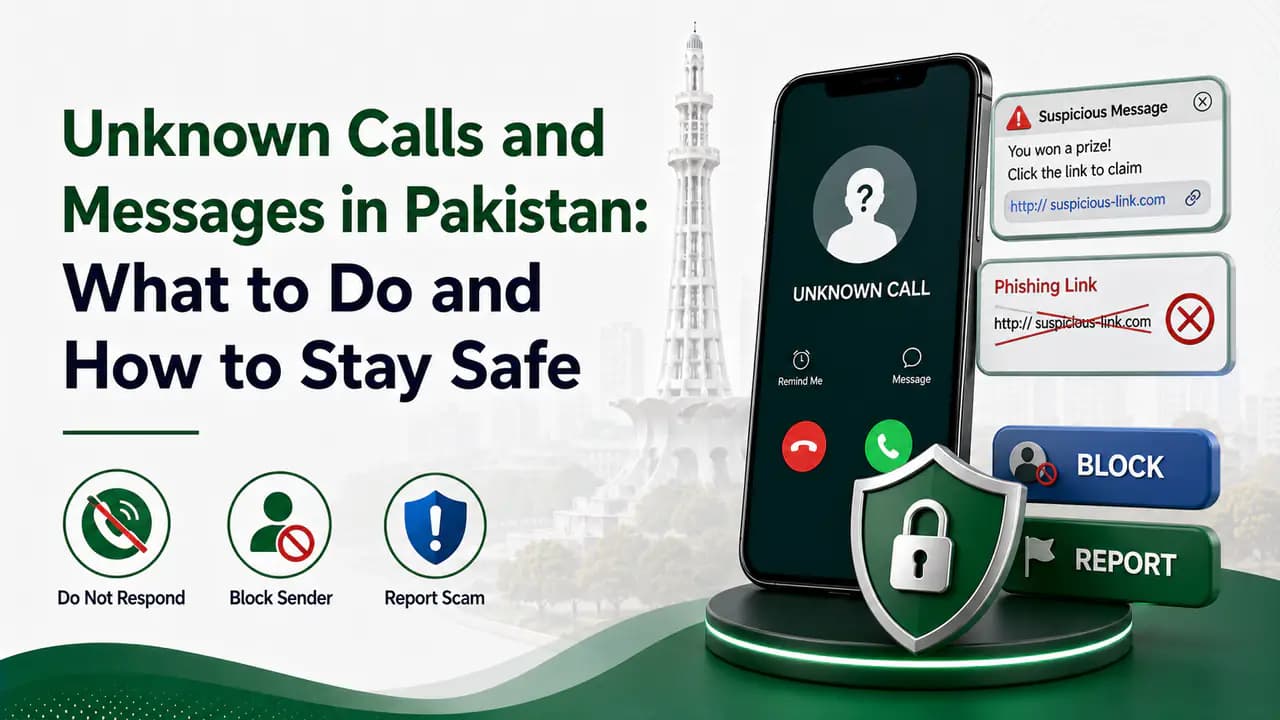
Unknown Calls and Messages in Pakistan: What to Do and How to Stay Safe
Learn how to handle unknown calls and messages in Pakistan, recognize phone scams, protect your CNIC and OTPs, block numbers and report fraud.
About the author
Bottom Line
Your SIM is connected to much more than calls and SMS. Treat your mobile number, CNIC information, biometric verification and OTP codes as sensitive information.
The most useful habit is simple: use official telecom channels, never share verification codes, be careful when providing biometric information, and periodically check the SIMs registered against your CNIC.
A few minutes spent checking your telecom records can help you notice an unexpected registration before it becomes a bigger problem.