What Is an eSIM? Complete Guide to eSIM Technology in Pakistan
What an eSIM is, how it works in Pakistan, Jazz/Zong/Ufone activation steps, advantages and disadvantages, safety tips, PTA/DIRBS notes, and FAQs.
Quick answer
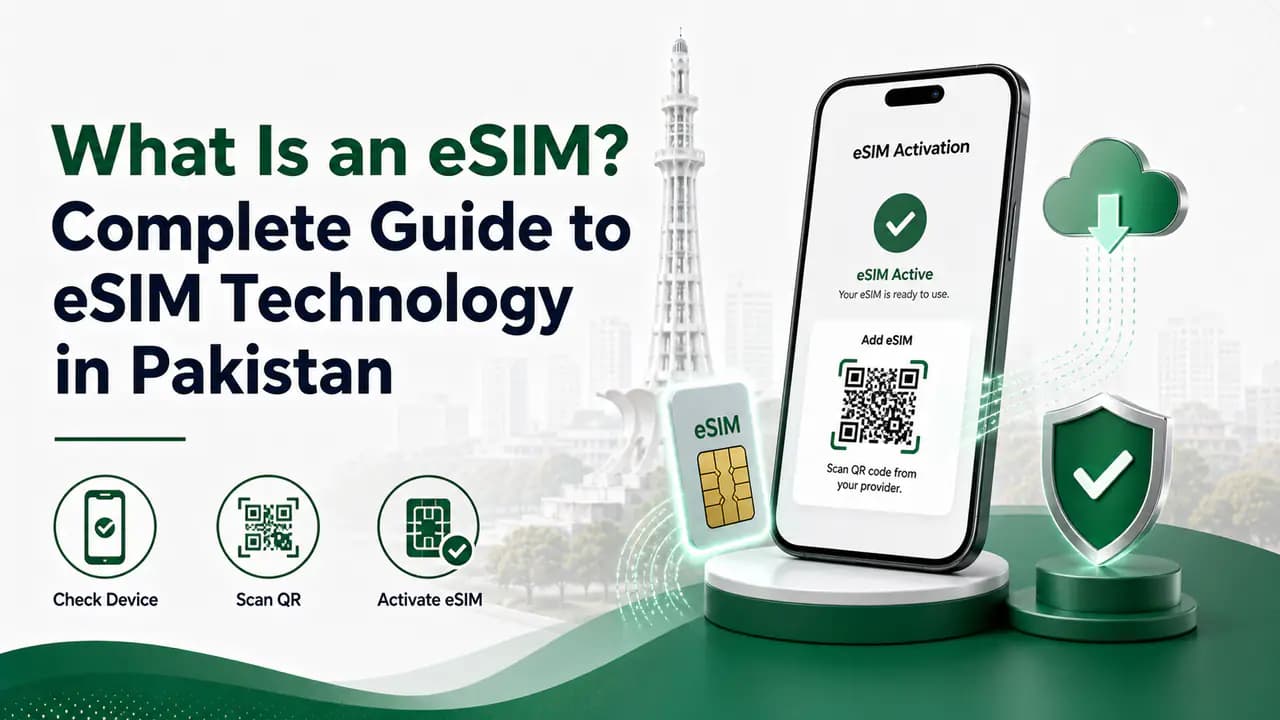
An eSIM is a digital version of a traditional SIM card. Instead of inserting a small plastic SIM into your phone, the SIM technology is built directly into the device.
The word eSIM stands for Embedded SIM. It allows a compatible phone to connect to a mobile network by downloading a digital SIM profile, usually through a QR code provided by the mobile operator.
In Pakistan, eSIM services are available from major mobile networks, including Jazz, Zong and Ufone, although the exact activation process, supported devices and charges can differ between operators.
For someone buying a new phone, changing a physical SIM to eSIM, or travelling with multiple numbers, eSIM can be a convenient alternative to the traditional SIM card.
What Does eSIM Mean?
eSIM means Embedded Subscriber Identity Module.
A traditional SIM is a removable plastic card containing information that allows your mobile network to identify and authenticate your connection.
An eSIM performs the same basic job, but the SIM hardware is already built into the phone.
Instead of putting a physical card into a SIM tray, the mobile operator provides an eSIM profile. You download that profile to the phone and activate the mobile service.
The basic process usually looks like this:
Mobile operator → eSIM registration → QR code → phone scans QR code → eSIM profile downloads → mobile service activates
This means you can have a working mobile number without physically inserting a SIM card.
How Does an eSIM Work?
Although an eSIM feels different from a physical SIM, the underlying purpose is similar.
Your mobile network still needs to identify your subscription and authenticate your device before allowing it to connect to the network.
With a physical SIM, this information is stored on the removable SIM card.
With an eSIM, the relevant SIM profile is downloaded and stored in the phone's embedded SIM hardware.
When you purchase or convert to an eSIM, the operator normally performs the required customer verification first. The customer is then provided with a QR code or another activation method.
For example, Jazz, Zong and Ufone currently describe eSIM activation using a QR-code-based process after registration and biometric verification.
The phone needs an internet connection, commonly Wi-Fi, while downloading the eSIM profile.
Once the profile is installed, the phone can connect to the mobile network just as it would with a compatible physical SIM.
eSIM vs Physical SIM
The biggest difference is physical form.
A physical SIM is a removable plastic card.
An eSIM is embedded inside the phone and is activated digitally.
An important point is that eSIM does not automatically mean a better network connection.
Your signal quality still depends on the mobile operator, coverage, network technology, device and location. Switching from a physical SIM to an eSIM does not magically increase network coverage.
What Are the Advantages of eSIM?
1. No Physical SIM Card
The most obvious advantage is that there is no physical SIM to insert.
You do not have to open the SIM tray or worry about losing a tiny plastic card.
This can be especially useful for people who frequently change mobile plans or use more than one number.
2. Multiple Numbers Can Be Stored
Many eSIM-compatible phones allow users to store multiple cellular profiles.
This does not necessarily mean that all of them can operate simultaneously.
The exact capability depends on the phone.
For example, Jazz states that compatible iPhones can store multiple numbers, while only the supported number of lines can be active at the same time.
This can be useful if you have:
- a personal number
- a business number
- a second mobile network
- a travel SIM
- a temporary data plan
Instead of physically changing SIM cards, you can manage supported profiles through the phone's settings.
3. Useful for Dual-SIM Phones
Many modern phones combine a physical SIM slot with eSIM support.
This can allow you to use two mobile numbers without requiring two physical SIM cards.
For example, you could keep your main physical SIM in the phone and use an eSIM for another network.
However, the exact combination depends on the particular phone model.
4. No SIM Card to Lose
A physical SIM can be lost, damaged or accidentally removed.
An eSIM does not have that particular problem because the SIM profile is stored digitally inside the device's embedded SIM hardware.
However, that does not mean your mobile account is completely protected from theft or misuse. Your phone, account and eSIM activation information should still be secured.
5. Convenient SIM Replacement
An eSIM can make changing from a physical SIM to an eSIM convenient when the operator supports the service.
For example, Jazz allows existing customers to replace a physical SIM with an eSIM through its supported outlets, while Zong and Ufone also provide eSIM conversion services.
The number itself does not necessarily need to change when converting an existing compatible subscription.
What Are the Disadvantages of eSIM?
eSIM also has some limitations.
1. Your Phone Must Support eSIM
This is the first thing you should check.
Not every smartphone has an eSIM.
Even if a phone looks modern or expensive, it does not necessarily support eSIM.
Before purchasing an eSIM, check the exact model and regional variant of your phone.
A phone may have different hardware configurations in different markets.
2. Changing Phones Can Be Less Simple
With a physical SIM, you can usually remove the card from one phone and put it into another compatible phone.
With eSIM, moving the service may require additional steps.
Depending on the operator, you may need to transfer, re-download or reissue the eSIM profile.
For example, Jazz explains that customers may need to visit a supported outlet again in certain situations, such as after losing an eSIM activation following a factory reset.
Therefore, eSIM can be more convenient in everyday use but is not always as straightforward to move between devices as a physical SIM.
3. Factory Reset Can Cause Problems
Before resetting an eSIM-enabled phone, check what will happen to the eSIM profile.
Depending on the phone and the reset options you select, an eSIM profile may be removed.
For example, Jazz specifically warns that a factory reset can remove its eSIM activation and that reactivation may require visiting an outlet again.
Do not assume that restoring your phone from a backup will automatically restore every eSIM profile.
4. QR Codes Need to Be Protected
Your eSIM activation QR code should be treated as sensitive information.
Do not post it on social media, send it to strangers or share a clear photograph of it.
Mobile operators themselves warn customers not to share their eSIM QR codes for security reasons.
If you believe somebody has obtained your unused activation QR code, contact your operator.
Is eSIM Available in Pakistan?
Yes.
eSIM technology is available through major Pakistani mobile operators.
Jazz eSIM
Jazz offers eSIM for new and existing customers. Its current information says customers can visit a Jazz Experience Center, franchise or eligible retailer for registration and activation. Biometric verification is required before activation.
Zong eSIM
Zong also provides eSIM services. Its current procedure involves visiting a Zong Customer Service Centre or franchise, completing the required verification and receiving an eSIM QR-code voucher.
Ufone eSIM
Ufone provides eSIM for new customers as well as customers converting an existing Ufone number. Ufone says activation requires visiting a Ufone Service Center, franchise or supported self-service location and completing biometric verification.
Because operator procedures and prices can change, it is better to check the network's current official information before visiting an outlet.
How Do You Get an eSIM in Pakistan?
The exact procedure depends on your network, but the general process is similar.
How to get an eSIM in Pakistan
Check your phone
First confirm that your phone supports eSIM. Look at the exact model rather than relying only on the phone's marketing name. You should also make sure the device is unlocked and compatible with the operator.Choose your network
Select the mobile network you want to use. Jazz, Zong and Ufone currently provide eSIM services in Pakistan.Visit an official outlet
Depending on the operator, you may need to visit a franchise, service center, experience center or another authorized location. Do not purchase an eSIM activation QR code from an unknown person.Complete biometric verification
The operator will perform the required customer verification. Biometric verification is currently mentioned in the eSIM procedures of Jazz, Zong and Ufone.Receive the eSIM QR code
After successful registration, the operator provides the activation information, commonly through a QR code. Keep this code private.Connect your phone to the internet
Your phone normally needs an internet connection to download the eSIM profile. Wi-Fi can be useful if your mobile connection is not working yet.Scan the QR code
Open the mobile or cellular settings on your phone and select the option for adding a mobile plan or eSIM. The exact menu name varies between iPhone and Android phones. Scan the QR code provided by your operator.Complete activation
After the profile downloads, follow the instructions shown on the phone. The number should then become available according to the operator's activation process.
Does eSIM Have a Different Number?
Not necessarily.
An eSIM can be used for a new mobile number, but it can also replace an existing physical SIM while keeping the same number.
For example, Jazz, Zong and Ufone all describe eSIM options for existing customers as well as new connections, subject to their respective procedures.
So converting a physical SIM to eSIM does not automatically mean that you have to change your phone number.
Can You Use eSIM and Physical SIM Together?
On compatible phones, yes.
A phone may support a physical SIM and one or more eSIM profiles.
This is one of the main reasons people choose eSIM.
For example, you could have:
Physical SIM: personal number
eSIM: business number
Or:
Physical SIM: primary network
eSIM: second network for better coverage in certain areas
However, the number of active lines depends on the specific phone model.
Always check your phone manufacturer's specifications.
Does eSIM Give Better Signals?
No.
An eSIM itself does not automatically provide stronger signals.
Network performance depends on factors such as:
- mobile operator
- nearby towers
- network congestion
- 4G/5G availability
- indoor coverage
- phone hardware
- location
- network frequency bands
If Jazz has better coverage in your area, changing from a Jazz physical SIM to a Jazz eSIM generally does not turn it into a different network.
The important difference is how the SIM is stored, not the fundamental mobile network.
Is eSIM Safe?
An eSIM can be secure, but users still need to protect their mobile account.
There are several things you should keep in mind.
Protect your QR code
Never share your eSIM QR code unnecessarily.
Use a screen lock
Use a strong PIN, password or biometric lock on your phone.
Protect your email and accounts
If your operator or device account is connected to an email account, secure that account with a strong password and two-factor authentication where available.
Use official operators
Get your eSIM from an official operator channel rather than an unknown seller.
Check your SIM registrations
If you have recently activated or replaced a SIM, it is sensible to check the SIMs registered against your identity so that you can identify unexpected connections.
What Happens If You Delete Your eSIM?
Deleting an eSIM profile from the phone does not necessarily mean that your mobile subscription has been cancelled.
The exact result depends on the operator's system and the circumstances.
For this reason, do not delete your eSIM profile casually.
If you are changing phones or troubleshooting an eSIM, contact your operator first if you are unsure.
For example, Jazz states that deleting or losing an eSIM activation can require the customer to return to an authorized location for reactivation in certain circumstances.
What Happens If You Lose Your Phone?
Treat a lost phone containing an active eSIM seriously.
First, use your phone's built-in device-finding and locking service if available.
Then contact your mobile operator and request the appropriate action on your number.
If necessary, visit the operator's official outlet for SIM replacement or eSIM reactivation.
Do not wait if you believe somebody else may have access to your phone.
eSIM and PTA/DIRBS in Pakistan
There is another important issue for people using eSIM-enabled phones in Pakistan: device compliance and IMEI registration.
An eSIM-enabled phone can have more than one IMEI, depending on its hardware configuration.
Some operators specifically instruct customers to check or register the relevant IMEIs for DIRBS compliance.
For example, Zong and Ufone instruct eSIM customers to send the relevant IMEI information to 8484 and follow the applicable PTA/device-whitelisting procedure.
This is different from registering the SIM itself.
Remember the distinction:
SIM registration identifies the mobile subscriber.
IMEI/DIRBS registration concerns the mobile device.
They are related to mobile service, but they are not the same thing.
Is eSIM Better Than a Physical SIM?
There is no single answer.
It depends on how you use your phone.
eSIM can be a better choice if you:
- use multiple numbers
- travel frequently
- want to avoid swapping SIM cards
- have a compatible phone
- prefer digital activation
- want to keep your physical SIM slot available
A physical SIM may be more convenient if you:
- frequently move your SIM between phones
- use older phones
- use phones without eSIM support
- want the simplest possible replacement process
For many users, the best option is simply to use whichever format their phone and network support most conveniently.
eSIM for Travellers
eSIM can be particularly useful when travelling internationally.
A compatible phone can potentially keep your normal SIM profile while using another eSIM profile for a travel service.
This can save you from physically replacing your main SIM.
However, international eSIM availability depends on the country, operator and phone.
You should also check whether your phone is carrier-unlocked and whether the eSIM provider supports your device.
Common eSIM Mistakes to Avoid
Buying an eSIM for an incompatible phone
Always check compatibility before paying.
Sharing the QR code
Treat the QR code as private activation information.
Resetting the phone without checking
Find out whether the eSIM will be removed during a reset.
Assuming eSIM means better coverage
It does not.
Coverage depends primarily on the network and location.
Ignoring IMEI requirements
If you are using an eSIM phone in Pakistan, check the applicable PTA/DIRBS requirements for the device.
Getting an eSIM from an unofficial seller
Use the mobile operator's official channels.
Forgetting about your physical SIM
When converting an existing number to eSIM, the old physical SIM may be deactivated according to the operator's procedure.
Frequently Asked Questions
Related articles
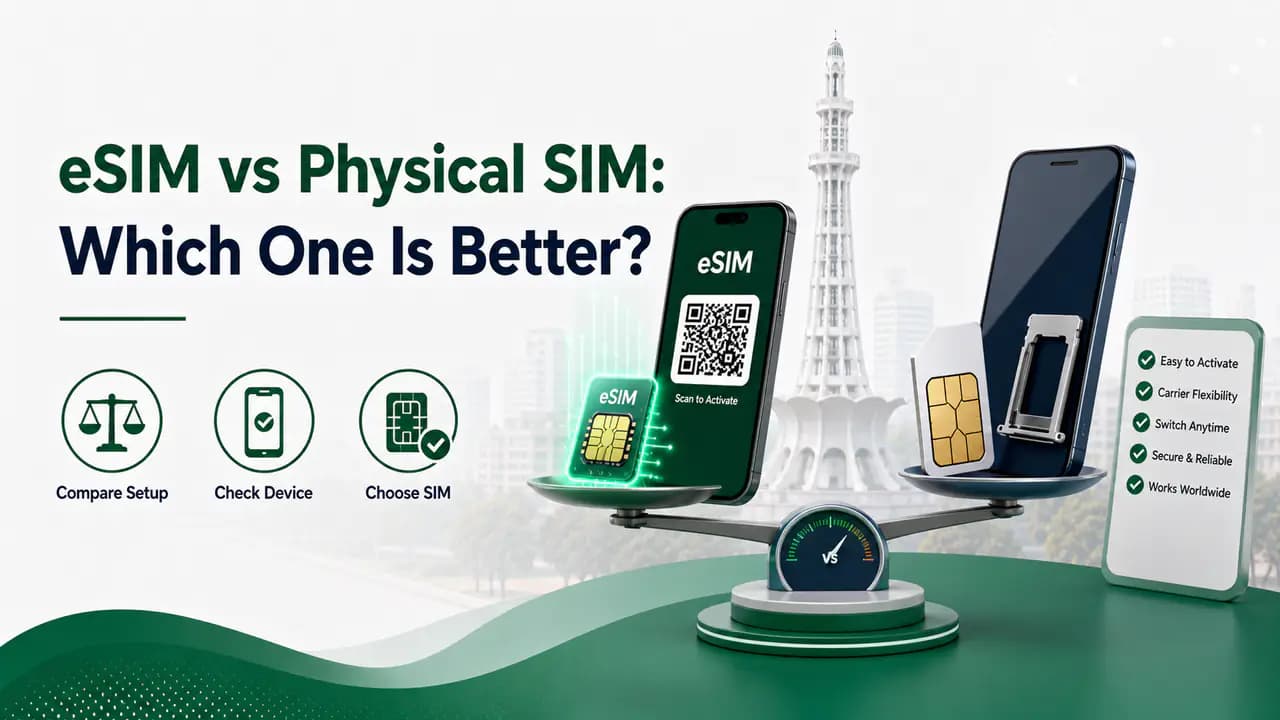
eSIM vs Physical SIM: Which One Is Better?
Compare eSIM and physical SIM in Pakistan: activation, security, travel, device compatibility, dual-SIM use, conversion, and which option suits your needs.
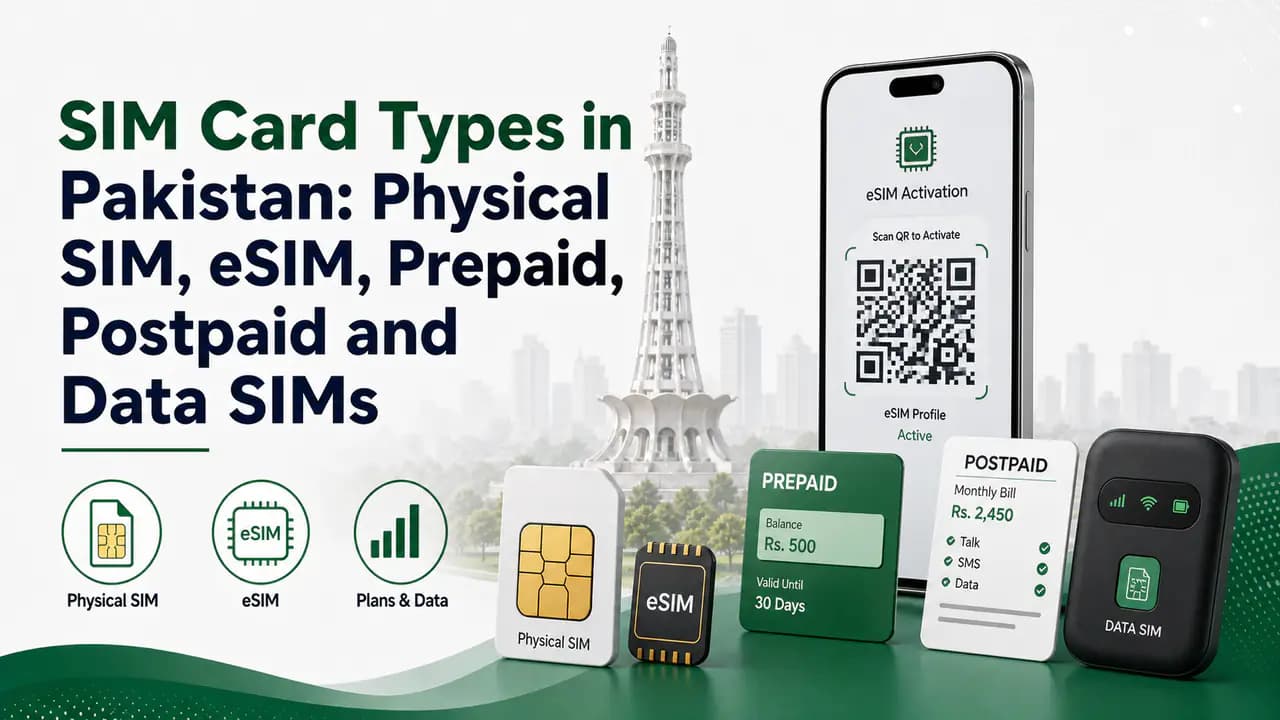
SIM Card Types in Pakistan: Physical SIM, eSIM, Prepaid, Postpaid and Data SIMs
Compare SIM card types in Pakistan — physical SIM, eSIM, prepaid, postpaid, data SIMs, sizes, IoT options, and how to choose the right one for your phone.
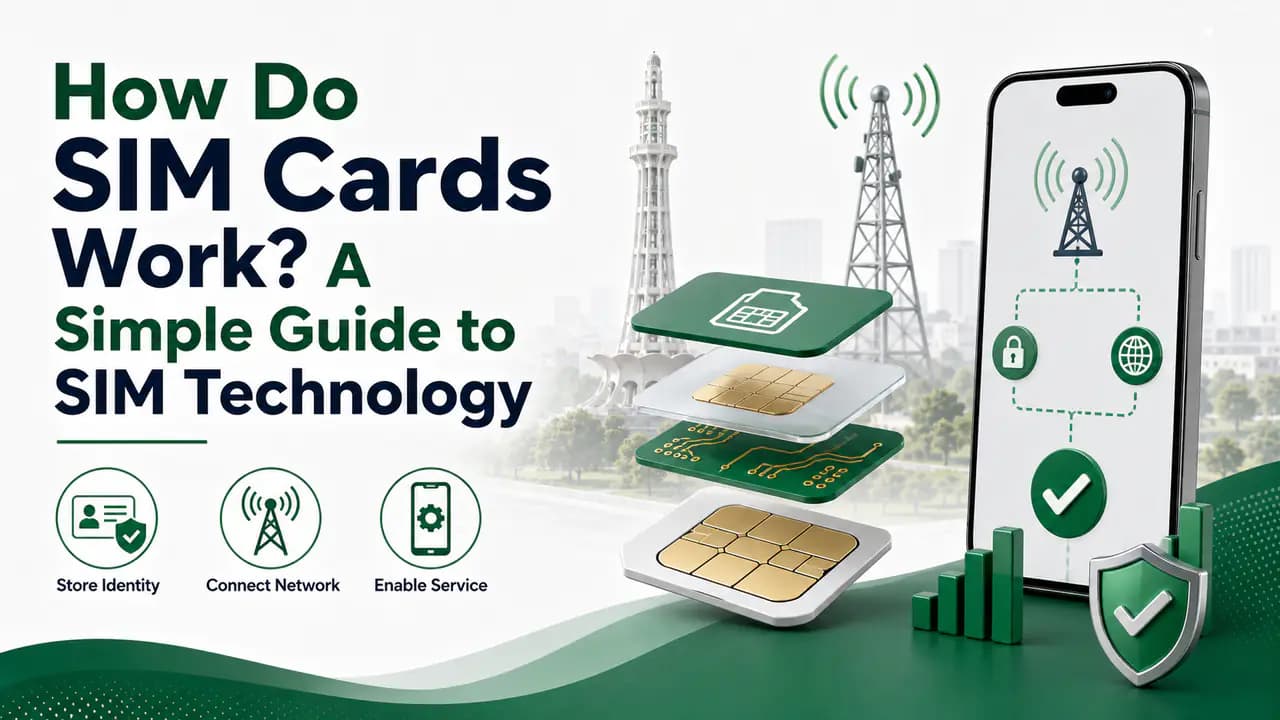
How Do SIM Cards Work? A Simple Guide to SIM Technology
How SIM cards identify and authenticate your mobile subscription: IMSI, IMEI, network registration, PIN/PUK, eSIM, and what happens when you call or use data.
Jazz SIM Information in Pakistan
Find Jazz SIM information in Pakistan, including number check, SIM ownership, verification, replacement, Jazz codes, SIMOSA and official support.
Zong SIM Information in Pakistan
Find Zong SIM information in Pakistan, including *8# number check, SIM registration, biometric verification, replacement, eSIM and official support.
Ufone SIM Information in Pakistan: Number, Ownership, Verification and Registration Guide
Find Ufone SIM information in Pakistan, including number and ownership checks, SIM verification, registration, replacement and official support.
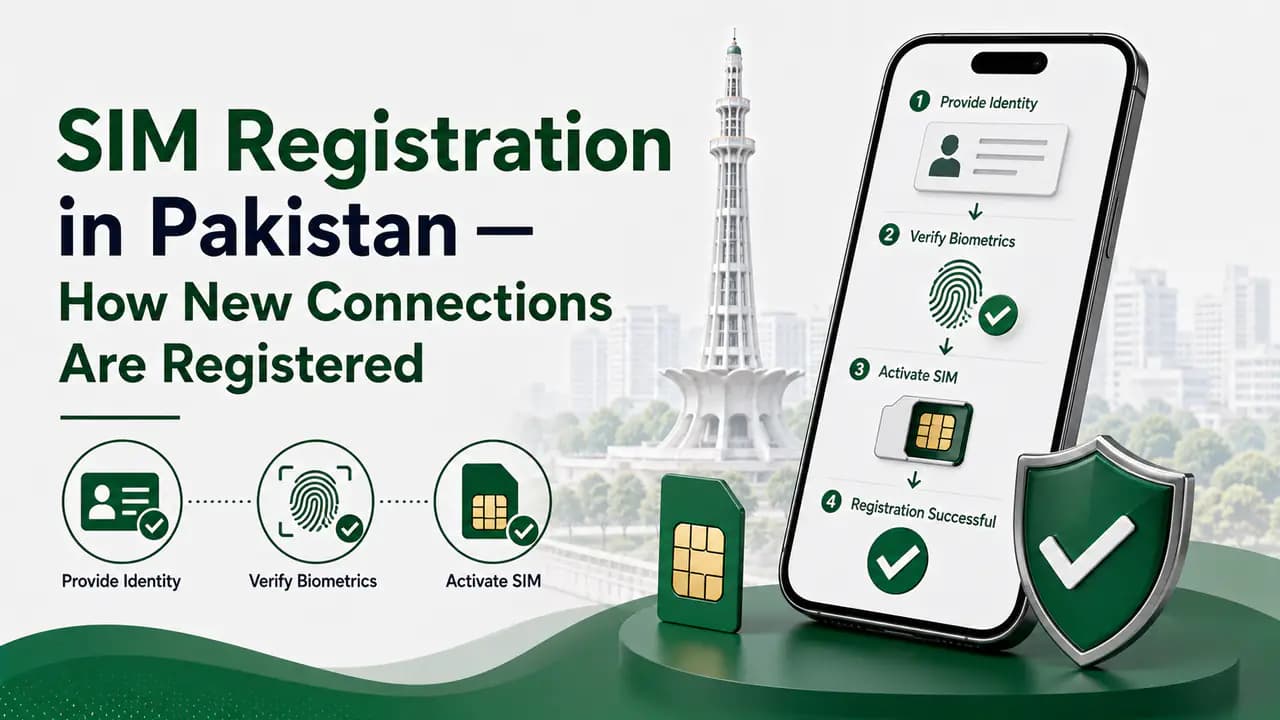
SIM Registration in Pakistan — How New Connections Are Registered
Learn SIM registration in Pakistan, including CNIC requirements, biometric verification, authorized franchises, SIM limits and registration problems.
About the author
Bottom Line
An eSIM is essentially a modern way of using a mobile SIM without inserting a plastic card into the phone.
The biggest difference is convenience. Instead of physically changing SIM cards, a compatible phone can download and manage supported mobile profiles digitally.
In Pakistan, eSIM services are already offered by major networks, but the activation procedure, charges, supported devices and requirements vary. Before switching, check your exact phone model and the current information from your mobile operator.
If you decide to use an eSIM, get it through an official operator channel, protect your QR code, keep your phone secure and check the applicable PTA/DIRBS requirements for your device.