How Do SIM Cards Work? A Simple Guide to SIM Technology
How SIM cards identify and authenticate your mobile subscription: IMSI, IMEI, network registration, PIN/PUK, eSIM, and what happens when you call or use data.
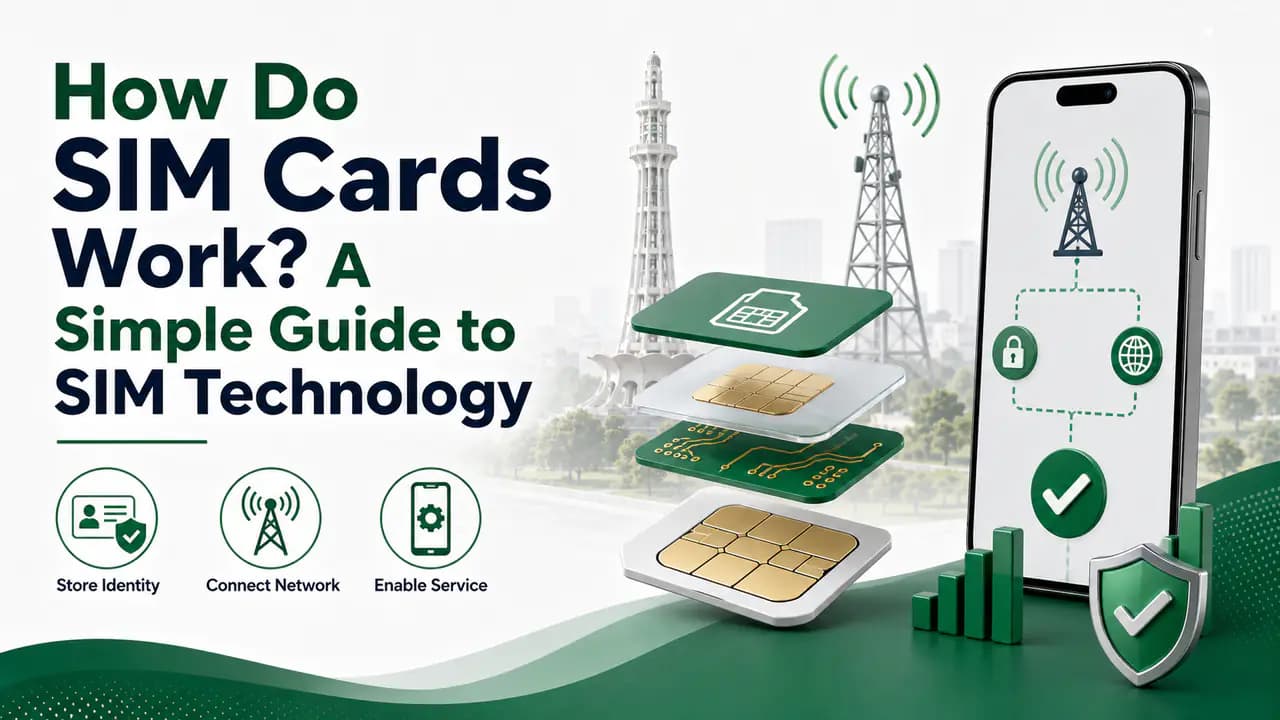
Quick answer
Most people use a SIM card every day without thinking about what is actually happening inside it.
You put a SIM card into your phone, wait a few seconds, and suddenly you can make calls, send SMS messages and use mobile data.
But how does a tiny piece of plastic make all of this possible?
A SIM card is much more than a small piece of plastic containing your phone number. It is a secure component that helps a mobile network identify and authenticate your subscription.
When your phone connects to a mobile network, the SIM works together with the phone and the operator's network to prove that the device is using a valid mobile subscription.
The same basic concept also applies to an eSIM. The major difference is that an eSIM profile is stored in an embedded secure element instead of being supplied on a removable card. For more on that format, see what is an eSIM.
In this guide, we will explain how SIM cards work, what information they contain, how your phone connects to the network, what IMSI and IMEI mean, how SIM authentication works, and what happens when you make a call or use mobile data.
What Is a SIM Card?
SIM stands for Subscriber Identity Module.
Strictly speaking, the SIM is an application running on a secure chip, while the physical card commonly called a "SIM card" is part of the UICC hardware. The terminology is often simplified in everyday use.
The main purpose of a SIM is to help identify and authenticate a mobile subscriber on a cellular network.
A SIM contains information and security credentials associated with a mobile subscription.
When you insert the SIM into your phone, the phone can use that information to communicate with the mobile network.
The network then determines whether the subscription is valid and what services it is allowed to use.
This is why you cannot simply insert any random piece of plastic into a phone and expect it to connect to a mobile network.
What Information Is Stored on a SIM?
A SIM contains several types of information.
Some of it is related to identifying the subscriber, while other information is used for security and network authentication.
One important identifier is the IMSI.
What Is IMSI?
IMSI stands for International Mobile Subscriber Identity.
It is a structured identifier associated with the subscriber identity stored in the SIM. GSMA defines IMSI as the basic structured identifier for a SIM/UICC in GSM mobile systems.
The IMSI is not simply your publicly displayed mobile number.
It is used internally by the mobile network when identifying a subscriber.
For example, when your phone tries to register with a network, information associated with the SIM allows the network to determine which subscriber account is requesting access.
This is one reason the SIM is so important to mobile communication.
Is Your Phone Number Stored on the SIM?
Your mobile number and your SIM's technical subscriber identity are related, but they are not the same thing.
The mobile number people normally call is commonly referred to as the MSISDN.
The IMSI identifies the subscriber in the mobile network, while the MSISDN represents the telephone number associated with the subscription.
This distinction is important because people often assume that the SIM is simply a storage device for their phone number.
It is not.
The SIM is primarily involved in subscriber identity and authentication.
What Happens When You Insert a SIM?
When you insert a SIM card into your phone, several things happen.
The phone detects the SIM.
It reads the information it is permitted to access from the SIM.
The phone then searches for available mobile networks.
If it finds a compatible network, the device begins the registration process.
The network needs to determine:
- Which subscriber is connecting
- Whether the subscription is valid
- Whether the device is allowed to use the network
- Which services are available
- What authentication procedure should be used
The SIM participates in this process using its stored subscriber information and security credentials.
The process happens quickly, which is why your phone can normally connect to a network within seconds.
How Does a SIM Authenticate You?
This is one of the most interesting parts of SIM technology.
A SIM does not simply send a secret password over the network.
Instead, cellular networks use cryptographic authentication mechanisms.
The SIM contains secret security credentials that are also known to the operator's authentication systems.
How SIM authentication works
The network issues a challenge
When authentication takes place, the network can issue a challenge rather than asking for a plain-text secret.The SIM calculates a response
The SIM uses its secure credentials and authentication algorithms to calculate a response to the challenge.The network verifies independently
The network independently calculates what it expects. If the responses match, the subscriber can be authenticated.
The details vary between mobile generations and technologies, but the underlying idea is the same: prove possession of valid subscriber credentials without simply transmitting the secret itself.
GSMA documentation describes SIM-based authentication as using SIM security and cryptographic mechanisms, while its security material explains that authentication and key-generation algorithms are used by SIMs and network authentication systems.— GSMA documentation
What Is the Secret Key in a SIM?
A SIM contains sensitive cryptographic credentials used during authentication.
One important credential in traditional mobile authentication systems is commonly referred to as the Ki.
The important point is not the name itself, but how the credential is handled.
It is designed to remain protected rather than being exposed to ordinary applications on the phone.
This is one of the reasons SIM cards are considered secure elements.
The mobile operator's authentication infrastructure also maintains the corresponding information required to authenticate the subscriber.
During authentication, the SIM and network use cryptographic operations to establish trust.
Does the SIM Store Your Contacts?
Older SIM cards could store a limited number of contacts.
This is why many older phones offered options such as:
- Save to Phone
- Save to SIM
Modern smartphones generally rely much more heavily on phone storage and cloud synchronization.
Your contacts are therefore not necessarily stored on the SIM.
If you change phones, some contacts may remain with the phone or cloud account rather than moving with the SIM.
The same applies to many other types of information.
A SIM is primarily designed for mobile subscription identity and security, not as a general-purpose storage device.
How Does the SIM Connect Your Phone to the Network?
It is important to understand that the SIM does not directly communicate with a mobile tower by itself.
The phone's cellular modem communicates with the radio network.
The SIM provides the subscriber identity and security functions needed by the phone and network.
A simplified process looks like this:
From SIM to operator systems
SIM → Phone
The phone reads subscriber identity and security functions from the SIM.Phone → Radio Network
The cellular modem communicates over radio with a nearby cell site.Radio Network → Mobile Operator
The cellular network communicates with the operator's core network.Authentication and authorization
The operator checks the subscription and performs the necessary authentication and authorization.Service access
If everything is valid, the network allows the phone to access the services associated with the subscription.
What Happens When You Make a Phone Call?
Suppose you call a friend.
You dial their number and press the call button.
Your phone sends the request through the mobile network.
The network knows which subscriber is making the call because your mobile connection is associated with your SIM/subscriber identity.
The network then determines how to route the call toward the destination number.
Depending on the technology and operator, the call may use traditional circuit-switched systems or packet-based voice services such as VoLTE.
The important point is that the SIM helps establish who the subscriber is, while the network infrastructure handles the actual communication.
The SIM is not carrying your entire voice conversation.
What Happens When You Use Mobile Internet?
Mobile data works in a similar way.
When you turn on mobile data, the phone connects to the cellular network.
The network identifies and authenticates your subscription.
After the necessary procedures are completed, the network establishes a data connection for your device.
Your phone can then communicate with internet services through the operator's mobile data infrastructure.
The SIM helps identify the subscription, while the phone's modem and the operator's network carry the actual data.
This distinction is useful:
SIM vs IMEI: What Is the Difference?
This is one of the most commonly misunderstood parts of mobile technology.
The SIM identifies the subscriber.
The IMEI identifies the mobile equipment/device.
IMEI stands for International Mobile Equipment Identity.
Your phone normally has an IMEI associated with its cellular hardware.
You can usually display it by entering:
*#06# on the phone's dialer.
GSMA documentation describes the SIM/subscriber identity and IMEI as complementary identifiers used for network authentication and authorization.
This is an oversimplification of the complete network architecture, but it is useful for understanding the basic distinction.
Can You Put the Same SIM in Another Phone?
Yes.
With a normal physical SIM, you can generally remove it from one compatible phone and insert it into another.
The SIM carries the subscriber identity, so the new phone can use the subscription.
However, the new phone itself still has its own IMEI.
So after moving the SIM:
- Subscriber identity: remains associated with the SIM
- Device identity: changes because the phone changed
This is one of the major advantages of physical SIM cards.
An eSIM can also be moved between compatible devices in supported circumstances, but the process may require an operator-supported transfer or reactivation rather than simply removing a card. See eSIM vs physical SIM for a comparison.
Does a SIM Store Your IMEI?
Normally, the SIM and phone have separate identities.
The phone has its IMEI.
The SIM has subscriber-related identifiers such as the IMSI.
The network can receive information associated with both during network operations.
This allows operators to apply policies involving both the subscriber and the device.
For example, a network can know which subscriber account is being used and which equipment is connecting to it.
Why Does a SIM Have a PIN?
Many SIM cards have a SIM PIN security feature.
This is separate from your phone's screen-lock PIN.
A SIM PIN can prevent unauthorized use of the SIM's protected functions if someone moves the SIM into another device.
However, users should be careful when entering SIM PINs.
Entering an incorrect PIN repeatedly can cause the SIM to become blocked and require a PUK code to unlock it.
Do not guess your PUK code
What Is a PUK Code?
PUK stands for Personal Unblocking Key.
It is used to unlock a SIM after the SIM PIN has been entered incorrectly too many times.
The PUK is different from:
- Your phone's screen PIN
- Your SIM PIN
- Your mobile account password
If your SIM asks for a PUK, contact your mobile operator through an official channel.
Repeated PUK attempts can disable the SIM
Why Does a SIM Stop Working?
A SIM may stop working for several reasons.
For example:
Network problem
The operator's network may temporarily be unavailable.
SIM damage
A physical SIM can become damaged.
Account issue
The subscription may have been suspended or blocked.
SIM replacement
The old SIM may have been deactivated after a replacement.
Incorrect PIN/PUK attempts
The SIM may become locked.
Registration or verification issue
The operator may restrict service because of account or registration requirements.
Device issue
The problem may actually be with the phone rather than the SIM.
For example, a damaged SIM tray, modem problem or network configuration issue can make a working SIM appear to be defective.
Can a SIM Be Used in Any Phone?
A SIM can generally be used in compatible unlocked phones, but there are several considerations.
The phone must support the SIM format.
For example, modern phones commonly use nano-SIM.
The device must support the operator's network technologies and frequency bands. For an overview of formats and types, see SIM card types in Pakistan.
For imported devices, regulatory requirements can also matter.
In Pakistan, users of imported phones should also pay attention to PTA/DIRBS requirements. See PTA SIM information for regulatory context.
So inserting a SIM into a phone does not automatically guarantee that the device will have full network service.
How Does SIM Roaming Work?
When you travel outside your home network's coverage area, your SIM can potentially allow your phone to connect to another operator through roaming agreements.
Your home operator remains associated with your subscription.
The visited network provides the radio access and other services according to the roaming arrangement.
The networks communicate with each other to authenticate and authorize your subscription.
This is why you can sometimes use the same Pakistani number while travelling in another country.
Your SIM does not suddenly become a SIM belonging to the foreign operator.
Your subscription remains associated with your home operator.
What Is a SIM Swap?
A SIM swap occurs when an operator transfers your mobile number/subscription from one SIM to another SIM.
There are legitimate reasons for this.
For example:
- Your SIM is damaged.
- You lost your SIM.
- You changed SIM type.
- You converted from physical SIM to eSIM.
- You need a replacement SIM.
However, unauthorized SIM replacement can become a serious security problem.
If someone fraudulently convinces an operator to issue a replacement SIM for your number, they may receive calls and SMS messages intended for you.
This is why mobile-number security is important for accounts that use SMS verification.
GSMA also identifies SIM-swap protection as an important area in mobile authentication and fraud prevention.
Why Is SIM Registration Important?
Mobile operators need to know who is associated with a mobile subscription.
In countries such as Pakistan, SIM registration is connected with identity verification and regulatory requirements.
This is why purchasing or registering a SIM normally involves identity verification.
The SIM itself does not contain your entire identity record.
Instead, the operator maintains subscriber information in its systems and associates the mobile subscription with the registered customer.
This distinction is important.
Your CNIC information is not simply stored inside the plastic SIM as a complete database record.
For how registration works in Pakistan, see SIM registration.
Can a SIM Store Your CNIC Number?
A SIM is not a replacement for the operator's customer database.
Your mobile operator maintains the customer registration information associated with your subscription.
The SIM contains technical subscriber and security information needed for mobile network operation.
Therefore, when you want to check which SIMs are registered against your CNIC, you should use the operator or regulator's official services rather than assuming that the information can be read directly from the SIM. Start with SIM information or SIM verification resources on PakSIM.
What Happens When You Remove the SIM?
If you remove the physical SIM from the phone, the phone loses access to the mobile subscription associated with that SIM.
You may still be able to use:
- Wi-Fi
- Offline applications
- Camera
- Bluetooth
- Stored files
- Other phone features
But cellular services associated with the removed SIM will no longer work.
If another valid SIM is inserted, the phone can attempt to register using that subscription instead.
What Happens When a SIM Is Blocked?
When an operator blocks a SIM, the subscription is prevented from accessing normal mobile services according to the reason and type of block.
A temporary block may sometimes be reversed through customer support.
A permanently deactivated SIM may require replacement or a new subscription.
If a SIM has been blocked by an official authority or because of a legal or regulatory matter, the normal customer-service process may not be enough to restore it.
In such cases, the relevant authority or operator will determine what can be done.
Physical SIM vs eSIM: Do They Work Differently?
At the user level, the experience can be very similar.
The major difference is where the SIM profile is stored.
GSMA describes eSIM as a way of securely downloading the operator's SIM profile into a secure element embedded in the device.— GSMA
The underlying purpose remains the same: provide the subscriber credentials needed to authenticate the subscription.
So an eSIM is not simply "internet-based SIM."
It is still a SIM-based security and subscriber identity system, but delivered digitally.
Can a SIM Be Cloned?
SIM security is designed to make unauthorized cloning difficult.
The authentication credentials are protected and are not intended to be freely readable.
Modern mobile networks use cryptographic authentication rather than simply trusting a visible number printed on the SIM.
However, no security system should be treated as completely immune to every possible attack.
Users should still protect their accounts, avoid sharing sensitive information and report suspicious SIM activity quickly.
If you suddenly lose mobile service without an obvious reason, particularly while your phone shows no normal network problem, it can be worth contacting your operator to make sure there has not been an unauthorized SIM replacement.
Why Does the SIM Need Security?
Imagine if anyone could simply copy your subscriber identity.
They might attempt to impersonate your mobile subscription.
That could create serious problems, especially when a phone number is used for account recovery or verification.
The SIM's secure credentials and network authentication procedures exist partly to prevent this type of unauthorized access.
GSMA describes SIM-based authentication as cryptographically secured and notes that the SIM provides a secure means of authenticating devices and subscribers to mobile networks.— GSMA
Do SIM Cards Store Internet Data?
Not in the way people normally imagine.
Your mobile internet data is not stored inside the SIM.
When you browse a website, watch a video or use an application, the data travels through the cellular network and internet infrastructure.
The SIM helps identify and authenticate your subscription.
Your phone's storage and the network infrastructure handle the actual data.
So a SIM is not like a small memory card.
Can a SIM Work Without a Phone?
A normal SIM needs compatible equipment to communicate with the mobile network.
The SIM itself does not contain a radio transmitter like a mobile phone.
The phone provides the cellular modem and radio hardware.
The SIM provides subscriber identity and security functions.
This is why the SIM and phone work together.
Why Do Different SIMs Have Different Network Operators?
A SIM is associated with a particular mobile operator or mobile subscription.
For example, a Pakistani user may have a Jazz, Zong, Ufone or Telenor subscription.
The SIM contains the relevant subscriber credentials for that operator.
The phone then uses those credentials when registering with the network.
If you replace a Zong SIM with a Jazz SIM, you have changed the mobile subscription even though the phone itself has not changed.
What Happens When You Port Your Number to Another Network?
Mobile number portability makes this more interesting.
You can change your network operator while keeping the same mobile number.
Your number may therefore remain unchanged even though the underlying mobile subscription has moved to another operator.
This is another reason why the mobile number people know is not the same thing as the technical subscriber identity stored on a SIM.
The operator's network records determine how the number is currently associated with the subscription.
For how number portability works in Pakistan, see mobile number portability in Pakistan.
Why Does Your Phone Sometimes Show "No SIM"?
If your phone says No SIM, it does not necessarily mean that your mobile account has been cancelled.
Possible causes include:
- SIM not inserted correctly
- Damaged SIM
- Dirty SIM contacts
- SIM tray problem
- Phone hardware problem
- eSIM profile removed
- Software/network configuration problem
If possible, test the SIM in another compatible phone.
You can also test another working SIM in your phone.
This can help determine whether the problem is with the SIM or the device.
Why Does Your Phone Show "No Service"?
"No Service" is slightly different from "No SIM."
If the phone detects the SIM but cannot connect to a mobile network, possible causes include:
- Weak coverage
- Network outage
- Roaming problem
- Account restriction
- SIM issue
- Device compatibility issue
- Network settings problem
If the problem continues, contact the operator through an official customer-service channel.
The Simple Way to Understand SIM Technology
If all the technical terms seem confusing, remember this simple model:
Five-step model of how a SIM works
SIM identifies the subscription
It contains subscriber-related identity and security information.Phone communicates with the network
The phone's modem communicates with cellular towers.Network authenticates the subscription
The operator verifies the subscriber credentials.Network provides service
Once authorized, the network allows services such as calls, SMS and mobile data according to the subscription.Infrastructure carries your communication
Your actual calls and data are handled by the operator's communication infrastructure.
That is the basic idea behind how a SIM works.
SIM Technology Has Changed, But the Main Job Remains
Traditional SIM cards have been around for decades, but the basic purpose has remained remarkably consistent.
The technology has evolved from early GSM SIM applications to USIM and newer authentication systems used with modern mobile networks.
The physical form has also changed.
We moved from larger SIM cards to mini-SIM, micro-SIM and nano-SIM formats.
Now many modern devices are moving toward eSIM.
GSMA describes eSIM as an evolution in how operator credentials are securely provisioned, rather than a completely different concept from the traditional SIM.
The fundamental job remains:
identify the subscription, protect its credentials, and help the network authenticate it.
Frequently Asked Questions
SIM technology FAQ
Related articles
PTA SIM Information in Pakistan — Official Channels & Services
Find official PTA SIM information services in Pakistan, including CNIC SIM checks, SMS 668, PTA complaints, helplines and SIM verification guidance.
SIM Registration in Pakistan — How New Connections Are Registered
Learn SIM registration in Pakistan, including CNIC requirements, biometric verification, authorized franchises, SIM limits and registration problems.
SIM Verification in Pakistan — How Subscriber Verification Works
Learn SIM verification in Pakistan, including biometric BVS verification, CNIC SIM checks, operator verification and solutions for verification problems.
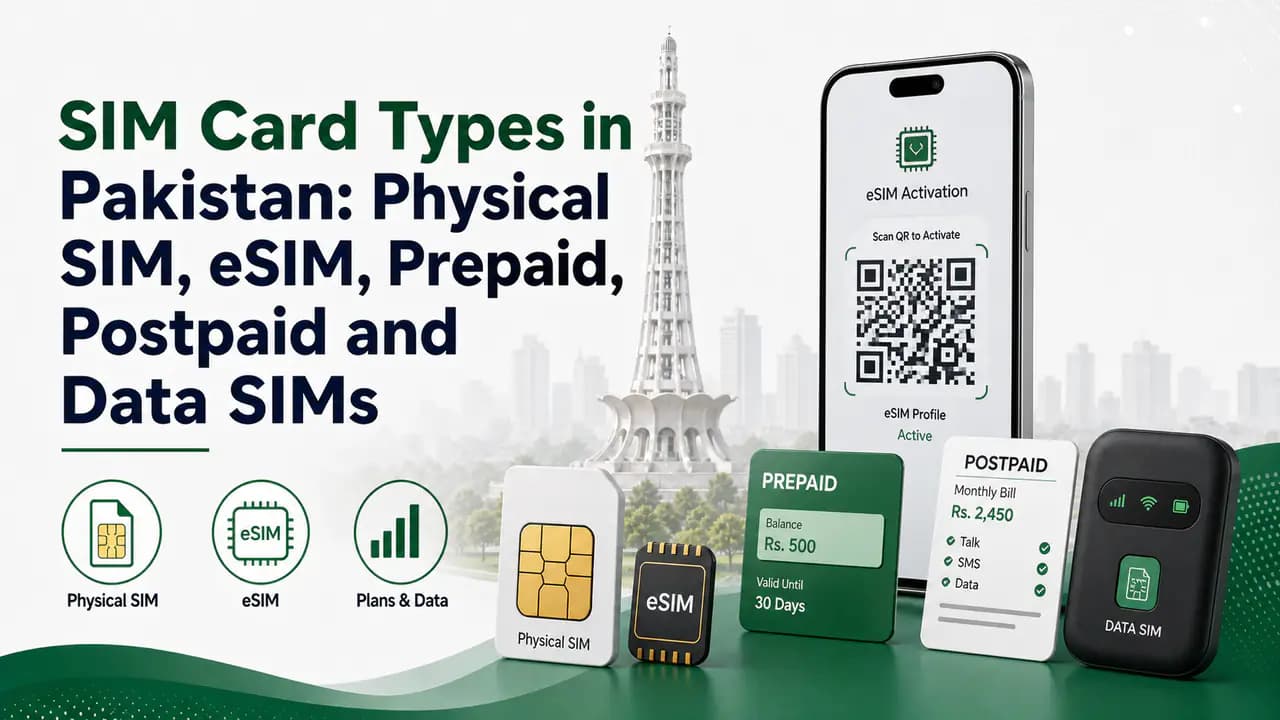
SIM Card Types in Pakistan: Physical SIM, eSIM, Prepaid, Postpaid and Data SIMs
Compare SIM card types in Pakistan — physical SIM, eSIM, prepaid, postpaid, data SIMs, sizes, IoT options, and how to choose the right one for your phone.
About the author
Bottom Line
A SIM card may look like a tiny piece of plastic, but it plays an important role in mobile communication.
It helps your operator identify your subscription and authenticate your access to the network.
Your phone provides the radio hardware, the SIM provides subscriber credentials, and the mobile network provides the infrastructure that connects you to other phones and the internet.
The distinction between SIM, IMSI, mobile number and IMEI is especially important.
- The SIM is associated with the subscriber.
- The IMSI is a technical subscriber identifier.
- The mobile number is the number other people use to contact you.
- The IMEI identifies the mobile equipment.
Together, these technologies allow billions of mobile devices to connect to cellular networks securely and efficiently.
And although the traditional physical SIM is still widely used, eSIM technology is changing how those subscriber credentials are delivered to modern devices.